Apple Warns Millions of iPhone Users: FaceTime Scams Are Spreading
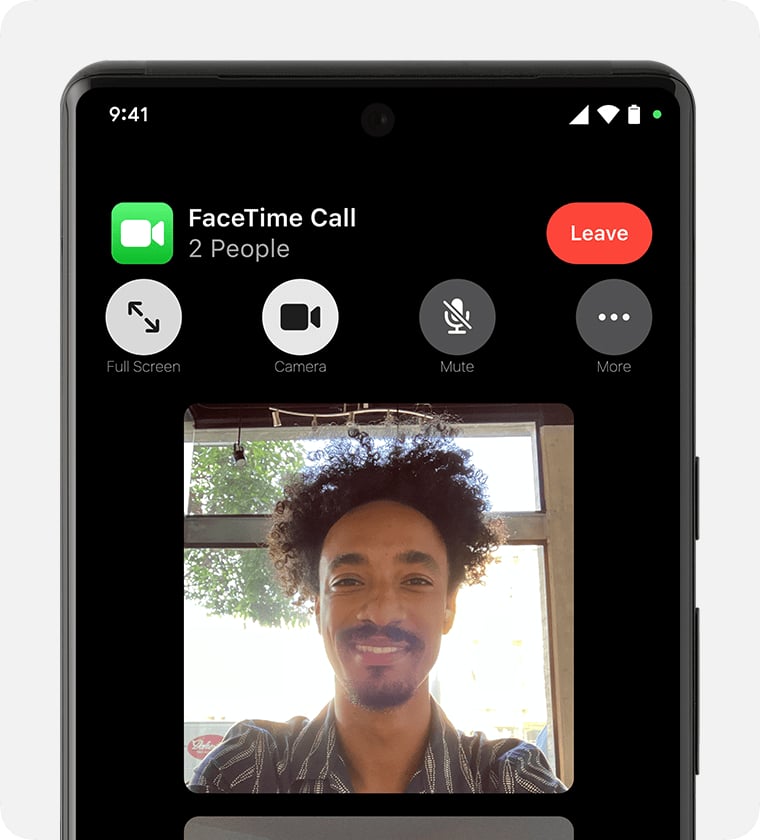
Apple is telling iPhone users how to report suspicious FaceTime calls as consumer advocates warn that scammers are increasingly using the video service in impersonation schemes.
In support guidance published June 15, Apple explained how users can report suspicious FaceTime calls and invitation links. The company also warned customers not to share passwords, security codes, financial information, or other sensitive details with unexpected callers claiming to represent Apple or another trusted organization.
The guidance does not point to a vulnerability in FaceTime itself. Instead, scammers are using video calls as another channel for social-engineering attacks designed to pressure people into handing over information or money.
Apple explains how to report FaceTime fraud
Apple instructs users who receive suspicious FaceTime calls or invitation links to take a screenshot of the caller information or link and send it to reportfacetimefraud@apple.com.
The company advises users to presume that unexpected requests for account details, money, passwords, or verification codes are scams. Apple also recommends contacting the organization directly via a verified phone number or official website, rather than using information provided by an unsolicited caller.
Apple says its representatives will never ask users to provide an Apple Account password, device passcode, or two-factor authentication code.
Consumer advocates say scammers are turning to FaceTime
ConsumerAffairs reported on July 10 that fraudsters are increasingly incorporating FaceTime into impersonation scams.
According to the publication, scammers may pose as bank employees, government officials, technical support agents, or romantic partners. Video calls can make those impersonation attempts feel more credible than a traditional robocall or text message.
A caller may use an official-looking background, appear professional, or claim that the victim must take immediate action to protect an account or avoid financial loss.
There is no evidence that scammers have compromised FaceTime or gained special access to iPhones through the service. The attacks instead rely on convincing users to share sensitive information, transfer money, share their screens, or grant access to an account.
Advertisement
Must-read security coverage
Why FaceTime scams can appear convincing
FaceTime calls may feel more personal and trustworthy than ordinary phone calls because users can see the person speaking to them.
That familiarity can work in a scammer’s favor. A live video feed, a professional appearance, or a convincing background may make an impersonation attempt appear legitimate, especially when paired with warnings about fraud, account issues, or urgent deadlines.
Users should not treat an incoming FaceTime call as proof that the caller is who they claim to be. Unexpected requests for passwords, verification codes, payments, screen sharing, or personal information should be treated as warning signs.
How to protect yourself from FaceTime scams
Apple and ConsumerAffairs recommend several precautions when dealing with unexpected calls:
- Do not share passwords, verification codes, Apple Account credentials, or financial information.
- Do not share your screen with an unsolicited caller.
- End calls that pressure you to act immediately or transfer money.
- Contact the organization independently using information from its official website.
- Enable two-factor authentication for your Apple Account.
- Report suspicious FaceTime calls and invitation links to Apple.
FaceTime scams show how criminals continue adapting familiar impersonation tactics to new communication channels. The technology may change, but the warning signs remain familiar: urgency, unexpected requests, and pressure to act before verifying who is calling.
Also read: For more on Apple’s upcoming hardware plans, including the rumored foldable iPhone and redesigned MacBook Pro, check out our roundup of what could be next for Apple devices.
About Author