Windows Shutdown Bug Spreads to Windows 10, Microsoft Confirms
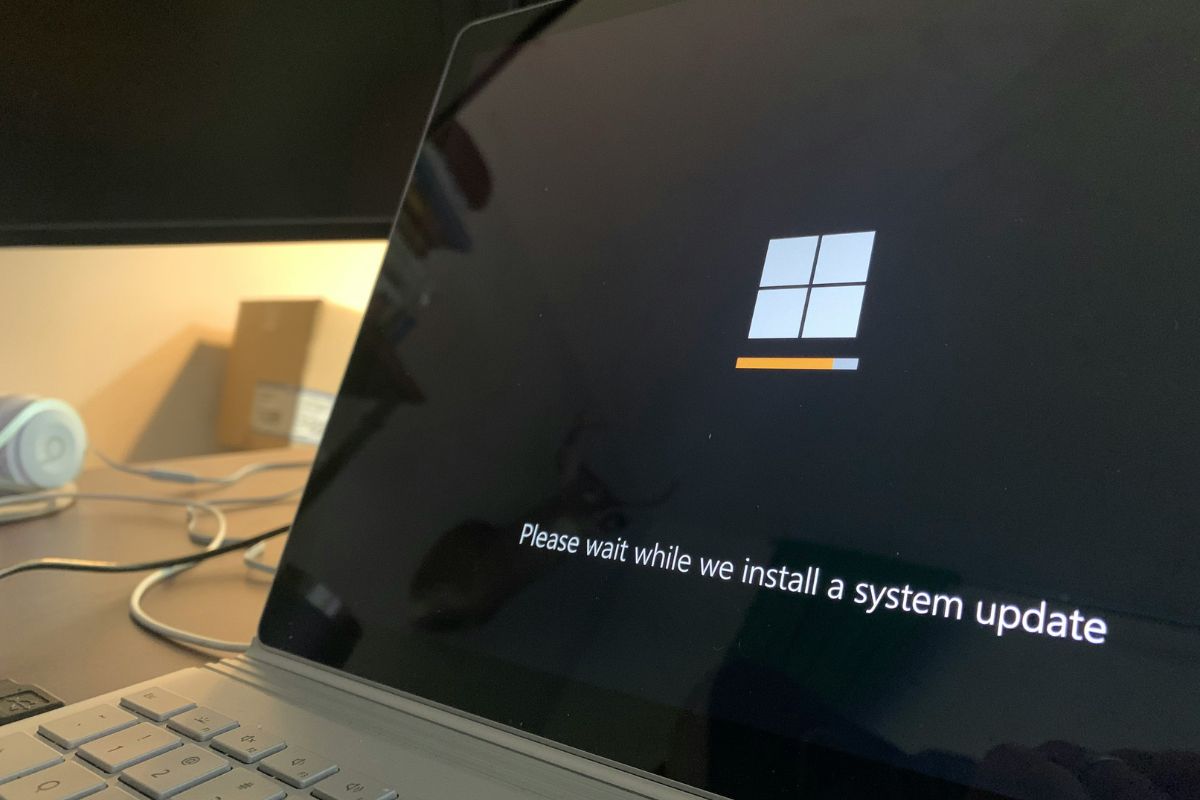
You’d think “turning it off and on again” would be the solution to a computer glitch. But for thousands of Windows users right now, the “off” part isn’t happening.
Microsoft has confirmed that a persistent bug that prevents PCs from shutting down or hibernating has spread to Windows 10. Instead of powering down, affected machines are simply pulling all-nighters, rebooting themselves the moment a user tries to click “Shut down.”
The issue first arose following the Jan. 13 security update (KB5073455). While Microsoft initially hoped the problem was limited to specific versions of Windows 11, the company’s official Health Dashboard now lists a much wider range of victims.
The bug is tied to a security feature called System Guard Secure Launch, which is designed to protect your PC’s “handshake” with its hardware during startup.
“After installing Windows updates released on or after January 13, 2026 (KB5073724), some Secure Launch-capable PCs with Virtual Secure Mode (VSM) enabled are unable to shut down or enter hibernation. Instead, the device restarts,” according to the company.
Who is under fire?
If you’re running a standard home PC with an AMD or ARM64 processor, you can breathe a sigh of relief. Microsoft says those systems are unaffected. However, for enterprise users and those on Intel-based hardware, the list of affected platforms is growing:
- Windows 11, version 23H2
- Windows 10, version 22H2
- Windows 10 Enterprise LTSC (2019 and 2021 versions)
This is particularly stingy for Windows 10 users. While the OS technically reached “end of support” for consumers in late 2025, many businesses and individuals are paying for Extended Security Updates (ESU).
A partial fix and a persistent problem
Microsoft did attempt to address this. It released emergency out-of-band updates, such as KB5077797, to fix the shutdown issue on systems with Secure Launch. For a moment, it seemed resolved.
However, the fine print reveals a lingering headache. Those emergency patches don’t fully cover PCs that also have “Virtual Secure Mode” (VSM) enabled. For those machines, the bug persists.
Microsoft’s current advice is simply to wait. The support page states: “We plan to release a solution in a future Windows update. We will provide more information when it is available.”
For users stuck in limbo, there is a manual workaround. You can force a shutdown by opening the Command Prompt and typing: “shutdown /s /t 0”.
It’s not elegant, but it gets the job done.
As Microsoft pushes harder into AI integration, core OS stability seems to be taking a backseat, and users are noticing. In response to mounting criticism over botched updates and stability issues, Windows boss Pavan Davuluri recently issued a statement promising that Microsoft plans to focus on pain points like performance and stability in 2026.
Also read: Microsoft’s 2026 product plans offer a clearer view of what the company is prioritising next.
About Author