Gmail Says Goodbye to Gmailify and POP3: What Users Need to Know
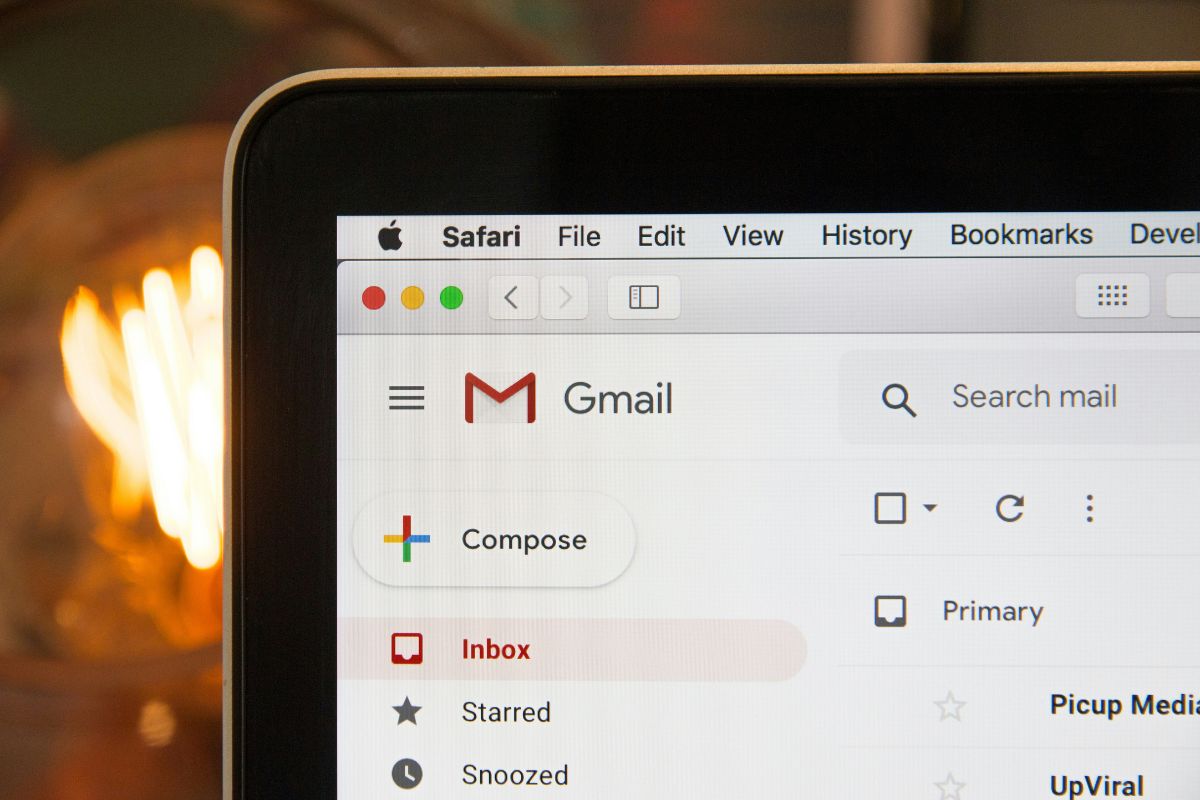
If you’ve been using Gmail as the “one inbox to rule them all,” your digital hub is about to get a lot smaller.
Google has confirmed it’s shutting down two major Gmail features that let users manage external email accounts, such as Yahoo, Outlook, or work addresses, from the Gmail web interface. Starting this month, Gmailify and POP3 mail fetching will be retired, forcing many power users to rethink how they manage multiple inboxes.
For years, a feature called Gmailify allowed users to link their non-Google accounts to Gmail to get the “Google treatment.” This meant your old Yahoo or Hotmail inbox suddenly had access to Google’s high-end spam filters, inbox categories, and advanced search tools.
According to a Google support note, “Starting January 2026, Gmail will no longer provide support for… Gmailify.” Once this change takes effect, those linked third-party accounts will lose proprietary spam protection, automatic sorting into categories like “Social” or “Promotions,” enhanced mobile notifications, and faster search with advanced operators.
POP3 fetching hits the scrapyard
The second major blow affects the “Check mail from other accounts” tool.
Since Gmail’s early days, users could set the platform to “pull” emails from other servers using the POP3 protocol. This made Gmail a convenient web-based home for every email identity a person owned. However, Google’s support documentation now states that, “Fetching emails from third-party accounts into your Gmail account, with POP, will no longer be supported.”
While Google hasn’t explicitly detailed why it’s killing the feature now, industry experts point to security. POP3 is an aging protocol that often transmits passwords in “plaintext,” making it a sitting duck for hackers. As TechRadar noted, “removing POP3 is probably a security move given that the protocol shares passwords in plaintext.”
The change is likely to inconvenience longtime users. Forbes reports one employer saying, “I have just learned that, beginning in 3 days, my employees will no longer be able to receive their work email. Apparently, Google is dropping support for Gmail accounts being able to fetch mail from outside accounts.”
It’s a move that makes sense from a security perspective but comes with real-world headaches for those accustomed to Gmail as a central hub for multiple accounts.
How to keep your emails moving
If you rely on these features, you won’t be completely locked out, but you will need to adjust your habits. Google suggests two primary workarounds:
- Automatic forwarding: Log in to your original email provider (such as Yahoo or Outlook) and set up “Auto-Forwarding” to send all incoming mail to your Gmail address. This replaces the “pull” method with a “push” method.
- The Gmail mobile app: The Android and iOS apps will still allow you to add third-party accounts using the more modern IMAP connection.
While your emails aren’t disappearing, the days of Gmail doing the heavy lifting for your other accounts are officially coming to an end.
Also read: Seven tech predictions enterprise leaders are watching in 2026.
About Author