
Understanding the Differences Between WS-Federation and Other Protocols
Identity management is a mess. Let’s be honest. It feels less like engineering and more like archaeology. You dig through a stack, and suddenly you hit a layer of sediment from 2008.
You’ve got the cool kids—OIDC and OAuth 2.
Understanding the Differences Between WS-Federation and Other Protocols
Identity management is a mess. Let’s be honest. It feels less like engineering and more like archaeology. You dig through a stack, and suddenly you hit a layer of sediment from 2008.
You’ve got the cool kids—OIDC and OAuth 2.0—running your mobile apps. You’ve got SAML handling your SaaS connections like Salesforce. And then, sitting in the corner like a retired general who refuses to leave the officers’ club, is WS-Federation.
If you’re spinning up a greenfield startup on AWS, you might never see WS-Federation. You’re lucky. But if you are an architect in a massive enterprise, a government agency, or anywhere that has been running Microsoft software for more than a decade, WS-Federation isn’t just “history.” It’s the load-bearing column holding up your internal apps.
It’s easy to dismiss it as a dinosaur. But dinosaurs were apex predators for a reason. To manage a hybrid environment without losing your mind, you need to understand what this protocol is, why Microsoft loved it so much, and exactly when you should kill it (or keep it alive).
The DNA of a Relic: What is WS-Federation?
To understand WS-Federation, you have to rewind to the early 2000s. The web was growing up. We decided that simple HTTP wasn’t enough; we needed “Enterprise capabilities.” So, a committee of very smart people created the WS-* (Web Services) specifications.
It was the era of SOAP (Simple Object Access Protocol). Everything was XML. Everything was strict. Bandwidth was considered infinite, and processing power was cheap—or so we pretended.
WS-Federation (WS-Fed) was the identity layer for this world. Its job is straightforward: it allows a Relying Party (your app) to say, “I don’t know who this user is, and I don’t want to know. Go ask the Security Token Service (STS).”
Unlike modern protocols that speak JSON (JavaScript Object Notation), WS-Federation screams in XML. It’s verbose. It’s heavy. But it is incredibly robust within a Windows network.
The “Passive” Dance
You’ll hear the term Passive Requestor Profile thrown around. It sounds fancy, but it just means “browser-based.”
In this profile, the browser is dumb. It doesn’t know crypto. It doesn’t know tokens. It just knows how to follow a redirect. It’s a game of ping-pong between the App and the STS (usually ADFS or older Azure AD configurations).
Here is what that dance looks like in the real world:
The Intercept: You try to open the HR Portal. You aren’t logged in.
The Punt: The HR Portal sends a 302 Redirect to the STS. It appends a query string parameter called wsignin1.0. This is the hallmark of WS-Fed. If you see wsignin1.0 in your URL bar, you’re using WS-Federation.
The Challenge: The STS (let’s say ADFS) challenges you. Maybe it pops a form, or maybe it just silently checks your Kerberos ticket (Windows Integrated Auth).
The Token: If you pass, the STS wraps a SAML token inside a WS-Federation envelope.
The POST: The STS sends a form back to your browser with some JavaScript that auto-submits it back to the HR Portal. This payload is the wresult.
sequenceDiagram
autonumber
participant User
participant Browser
participant RP as Relying Party (App)
participant STS as Security Token Service (ADFS)
User->>Browser: Access Application URL
Browser->>RP: HTTP GET Request
Note over RP, Browser: “Who are you?” (Unauthenticated)
RP–>>Browser: Redirect (302) to STS
Browser->>STS: GET Request (wsignin1.0)
STS–>>User: Prompt for Credentials
User->>STS: Submit Credentials
STS–>>STS: Validate & Issue Token
STS–>>Browser: Form Post with Token (wresult)
Browser->>RP: POST Token
RP–>>RP: Validate Token & Create Session
RP–>>Browser: Set Auth Cookie
Browser->>User: Display Application Content
This flow is “chatty.” It involves heavy payloads. But for an internal network running on reliable fiber, it worked perfectly for years.
WS-Federation vs. SAML 2.0: The Enterprise Giants
This is where people get confused. “Wait,” you ask, “doesn’t WS-Federation use SAML tokens?”
Yes. Yes, it does.
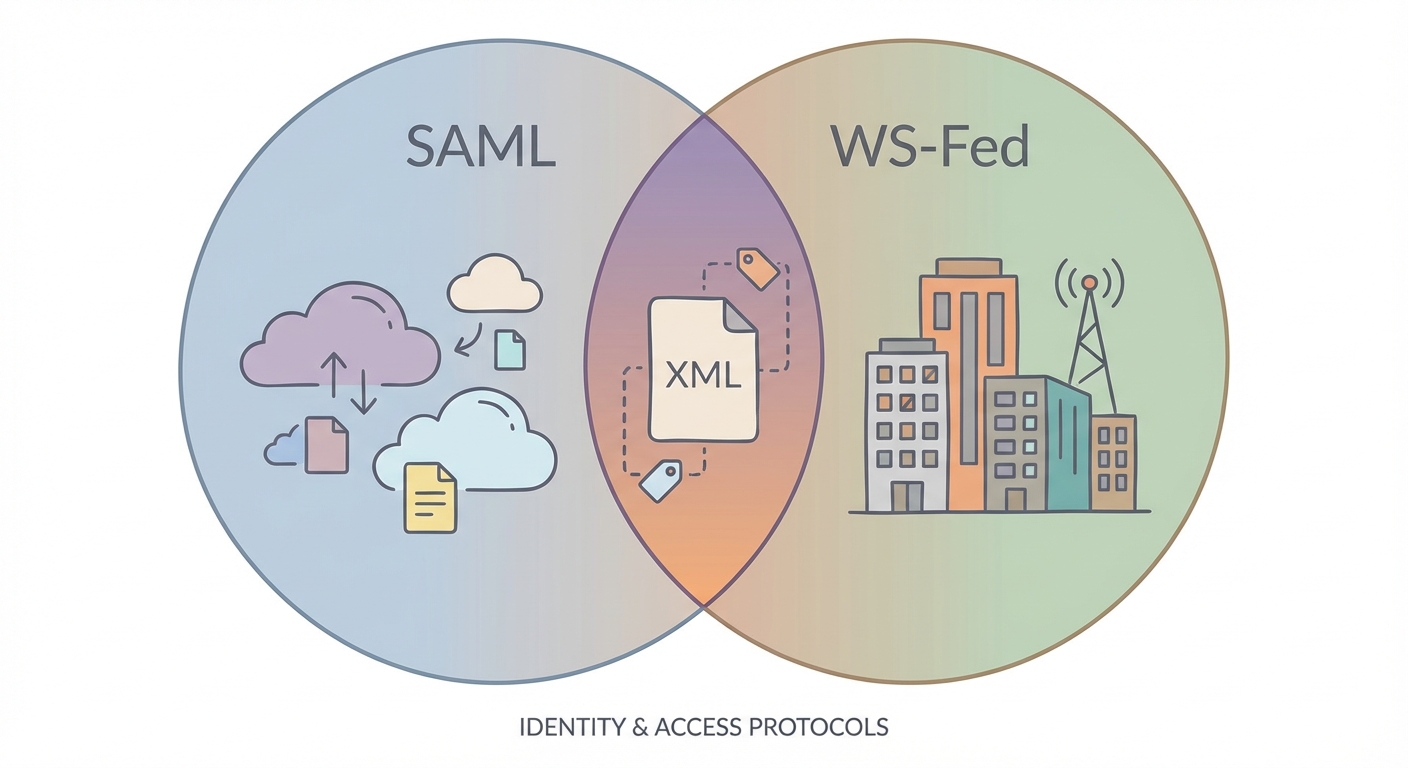
Think of the token (the SAML Assertion) as a letter.SAML 2.0 (the protocol) is one type of mail truck.WS-Federation is a different type of mail truck.They both carry the exact same letter.
The SimilaritiesBoth are children of the XML era. Both rely on the browser acting as a mule to carry messages back and forth. Both were designed for the “Enterprise Web”—portals, intranets, and B2B connections.
The DifferencesIt comes down to ecosystem.SAML 2.0 won the war for the broader internet. If you buy a SaaS product—Slack, Zoom, Salesforce—they speak SAML. It is the universal language of Enterprise SSO.
WS-Federation is unapologetically Microsoft. It was the default for SharePoint, Exchange, and any ASP.NET app built using the Windows Identity Foundation (WIF).
Configuration: SAML is notoriously finicky. You have to swap XML metadata files, check certificates, and pray the bindings match. WS-Federation, when used inside a Microsoft stack (IIS + ADFS), often feels like magic. You click a few checkboxes, and it just works.
The “Context” Parameter: WS-Fed has a standard parameter called wctx (context) to help the app remember where the user was trying to go before they got redirected. SAML has RelayState. They do the same thing, but they speak different dialects.
WS-Federation vs. OIDC: The Generational Chasm
Comparing WS-Federation to OpenID Connect (OIDC) isn’t like comparing a Ford to a Chevy. It’s like comparing a diesel locomotive to a Tesla.
The Architecture ShiftWS-Federation was built when “client” meant a desktop PC with a Pentium 4 processor plugged into a wall. It assumes the client can handle redirects and doesn’t mind parsing massive XML strings.
OIDC (and its cousin OAuth 2.0) was born in the era of the iPhone. Bandwidth on 3G was expensive. Battery life was precious. OIDC uses JSON, which is lightweight and parses instantly in JavaScript.
The Mobile & SPA KillerHave you ever tried to implement WS-Federation in a React Single Page Application (SPA)? Or a native iOS app?Don’t. Just don’t.
WS-Fed requires a form POST. In a modern SPA, that breaks the user experience. In a mobile app, you have to open a “WebView” (a fake browser inside the app) to handle the redirects and the XML posting. It’s clunky, slow, and hard to debug.
OIDC was designed to solve this. It plays nice with REST APIs. It handles Cross-Origin Resource Sharing (CORS). It is the native language of the modern web.
Comparison Matrix: The Cheat Sheet
If you’re staring at an architecture diagram trying to decide which line to draw, here is your cheat sheet:
Feature
WS-Federation
SAML 2.0
OIDC / OAuth 2.0
Transport Format
XML (Heavy)
XML (Heavy)
JSON (Light)
Primary Habitat
Legacy Microsoft / On-Prem
Enterprise SaaS / B2B
Modern Web / Mobile / API
Microsoft Dependency
Critical
Moderate
Low (Universal Standard)
Mobile Friendliness
Avoid
Avoid
Native Support
Token Type
SAML Assertion
SAML Assertion
JWT (JSON Web Token)
When Should You Actually Use WS-Federation?
I hate “AI slop” that tells you to “always modernize.” That is bad advice. In the real world, budgets are finite and “if it ain’t broke, don’t fix it” is a valid survival strategy.
You should stick with WS-Federation if:
You are running On-Premise SharePoint: Older SharePoint Server versions breathe WS-Federation. Trying to force them to use OIDC is a nightmare of custom gateways and third-party plugins. It’s not worth the pain.
You have Legacy ASP.NET Apps: If you have an internal Line-of-Business app written in 2014 using Web Forms or MVC 4, it likely uses the Windows Identity Foundation (WIF). Ripping out the auth layer to put in OIDC is high-risk surgery. Unless you are rewriting the whole app, leave the auth alone.
You live in ADFS: If your organization uses Active Directory Federation Services (ADFS) and you are connecting internal IIS apps, WS-Fed is the path of least resistance.
However, if you are building anything new—even if it’s an internal .NET app—use OIDC. If you need mobile access, use OIDC.
flowchart TD
Start([Start: Authentication Choice]) –> Type{Application Type?}
Type –>|Modern Web / Mobile / SPA| OIDC[<b>Use OIDC / OAuth 2.0</b><br/>(Modern Standard)]
Type –>|Legacy .NET / SharePoint| Constraints{Refactor Possible?}
Constraints –>|Yes: Rewrite Auth| OIDC
Constraints –>|No: Must maintain Legacy| Mobile{Is it Mobile?}
Mobile –>|Yes| Bridge[<b>Use Identity Bridge</b><br/>(Translate WS-Fed to OIDC)]
Mobile –>|No| WSFed[<b>Use WS-Federation</b><br/>(Keep Legacy Flow)]
style OIDC fill:#d4edda,stroke:#28a745,color:#155724
style WSFed fill:#f8d7da,stroke:#dc3545,color:#721c24
style Bridge fill:#fff3cd,stroke:#ffc107,color:#856404
Migration Strategies: How to Escape
So you want to get off WS-Federation? Good luck. But seriously, there are two ways to do this.
1. The “Strangler Fig” (Identity Broker)This is the smart play for Legacy Application Modernization. You don’t touch the legacy app’s code. Instead, you put a modern Identity Provider (like Microsoft Entra ID / Azure AD) in front of it.
The App trusts Entra ID via WS-Federation (Entra still speaks it!).
Entra ID handles the user via OIDC, MFA, and FIDO keys.
The user gets a modern login experience. The app gets the dusty old XML token it expects. Everyone wins.
2. The Code RewriteThis is the expensive option. If you are moving from .NET Framework 4.8 to .NET Core (now just .NET 8+), you have to change auth libraries anyway. The new Microsoft.Identity.Web libraries are built for OIDC. This is the time to kill WS-Federation once and for all.
Frequently Asked Questions
Is WS-Federation the same as ADFS?
No, but they are best friends. ADFS (Active Directory Federation Services) is the software. WS-Federation is the language it speaks. You can have ADFS speak SAML or OIDC, but its native tongue is WS-Fed.
Can I use WS-Federation for mobile applications?
Can you? Yes. Should you? Absolutely not. You will end up fighting the device’s browser, dealing with cookie issues, and draining the user’s battery parsing XML. Use a bridge to convert it to OIDC if you absolutely must connect a mobile app to a legacy backend.
Does Azure Active Directory (Entra ID) still support WS-Federation?
Yes. Microsoft knows that if they turned off WS-Fed support in the cloud, half the Fortune 500 would stop working instantly. It is supported for backward compatibility, but don’t use it for new app registrations.
What is WS-Trust?
WS-Trust is the “behind the scenes” protocol. While WS-Federation handles the browser stuff, WS-Trust is used when two servers need to talk to each other to exchange credentials for a token. It’s the plumbing you usually don’t see.
*** This is a Security Bloggers Network syndicated blog from SSOJet – Enterprise SSO & Identity Solutions authored by SSOJet – Enterprise SSO & Identity Solutions. Read the original post at: https://ssojet.com/blog/ws-federation-vs-other-protocols-differences
About Author




