Now Supporting On-Premise Microsoft AD with Sophos Zero Trust Network Access (ZTNA)
 We are excited to unveil Sophos ZTNA 2.1, which introduces support for on-premise Microsoft Active Directory for user authentication, seamless failover between different cloud points-of-presence, and significant security enhancements.
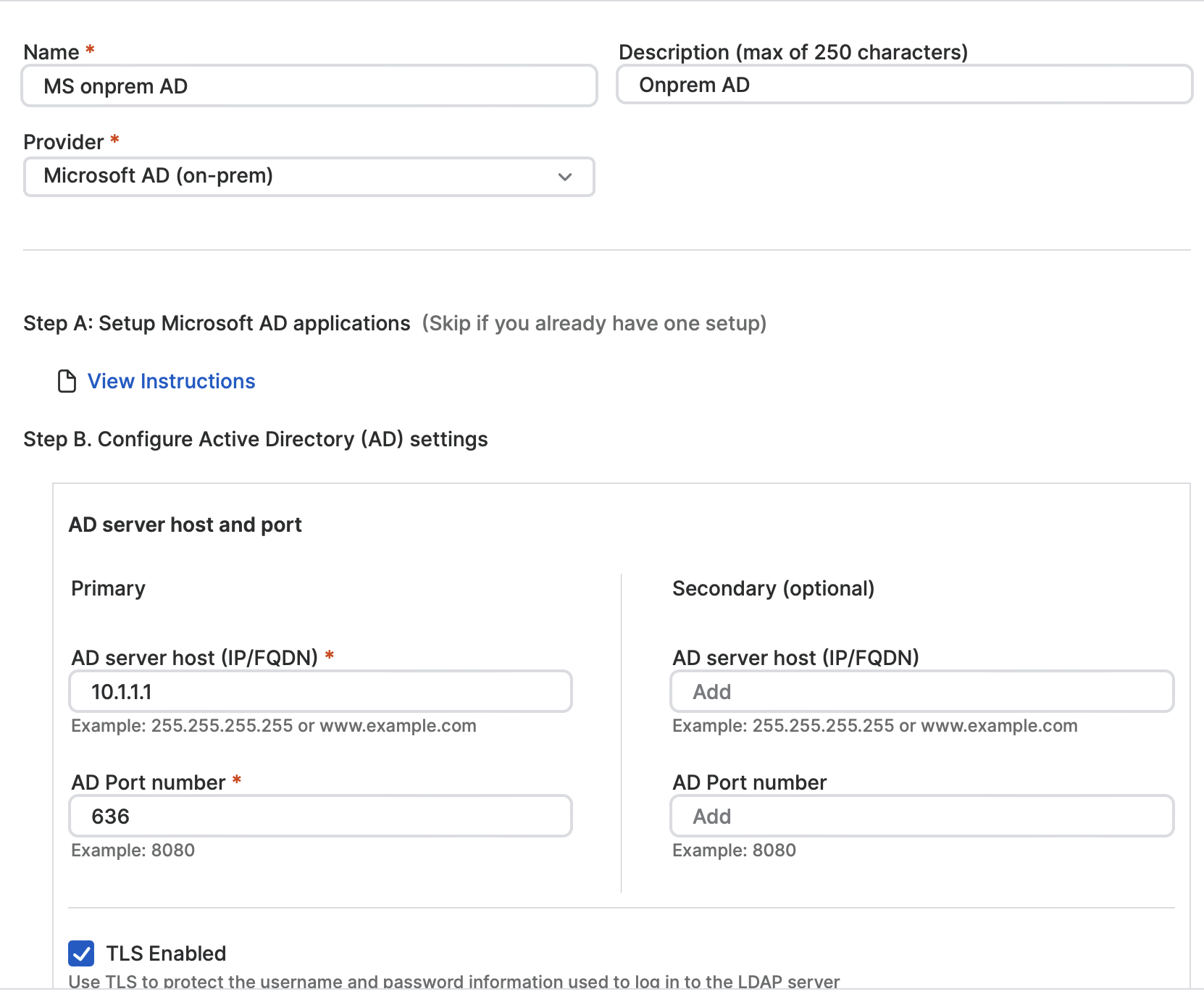
This release presents a novel identity provider solution, complementing the already available cloud-oriented Microsoft Entra ID and Okta solutions supported by Sophos ZTNA. It allows organizations lacking cloud infrastructure or a cloud-based identity platform to effortlessly integrate Sophos ZTNA by utilizing their internal Microsoft AD system for authentication, including support for Multi-Factor Authentication (MFA) via captchas or email OTPs.
Furthermore, cloud gateways operating on virtual platforms (ESXi or Hyper-V) now provide uninterrupted services and seamless failover between different cloud locations. This functionality will soon be extended to Sophos Firewall-integrated ZTNA Gateways with the upcoming v20 MR2 release, slated for later this month. This new feature ensures smooth transitions to the nearest regional gateway in case of an outage in the primary gateway region, guaranteeing continuous ZTNA access throughout the disruption.
Also, an additional update packed with security enhancements is now accessible as ZTNA 2.1.1. To get this latest update, ensure that your gateways are first updated to version 2.1, followed by the application of the subsequent 2.1.1 update.
Accessing the Updates
The gateway image updates can be obtained via Sophos Central, eliminating the need to update ZTNA agents separately.
1. Within Sophos Central, navigate to the Gateways section and look for an alert indicating an available image update. This notification is specific to gateways hosted on ESXi and Hyper-V platforms. For gateways hosted on Sophos Firewall, updates will be applied upon the release of firmware update v20 MR2 (coming later this month).
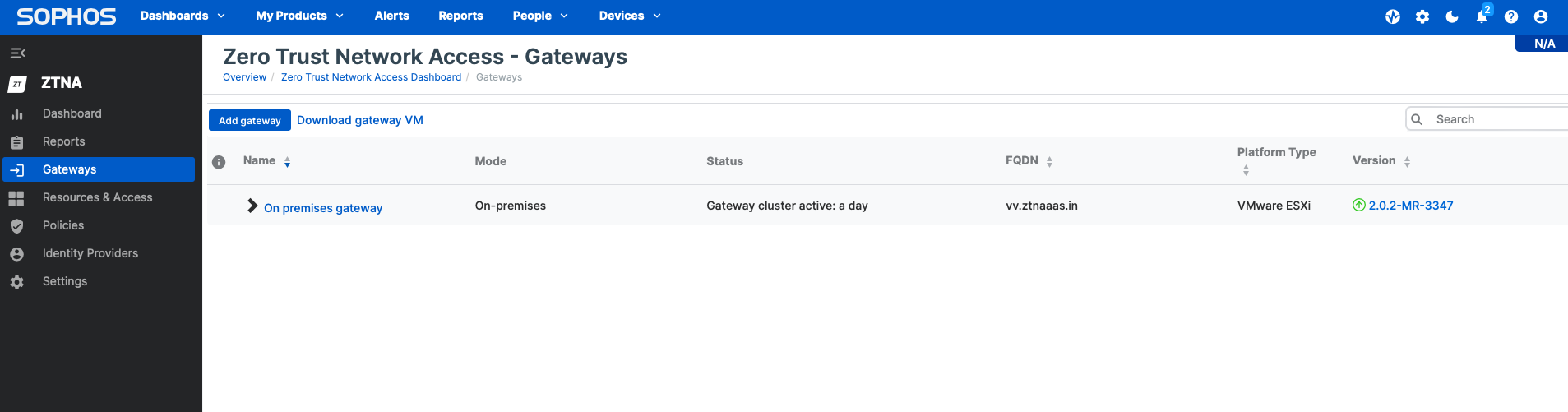
2. Choose to initiate the upgrade immediately or schedule it for a later time. The update process may take up to 30 minutes to complete.
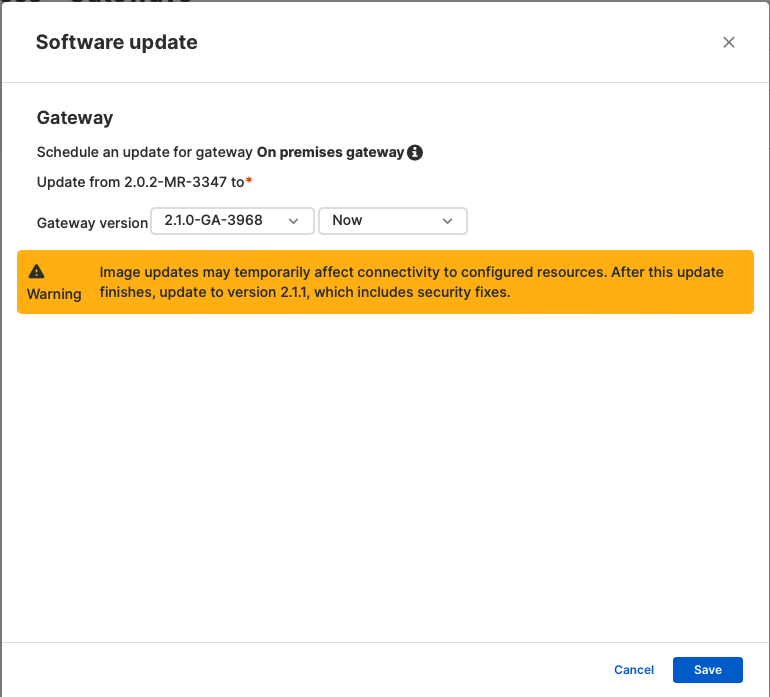
3. Upon completion of the upgrade process and the gateway returning to an “Active” state, make sure to verify all tests pass on the gateway’s diagnostics console before proceeding with the ZTNA 2.1.1 update.
Version 2.1.1 brings crucial security enhancements and fixes, necessitating customers to start the upgrade process promptly. The upgrade to version 2.1.1 should also take approximately 30 minutes for a single node, with the time scaling linearly for multi-node deployments.
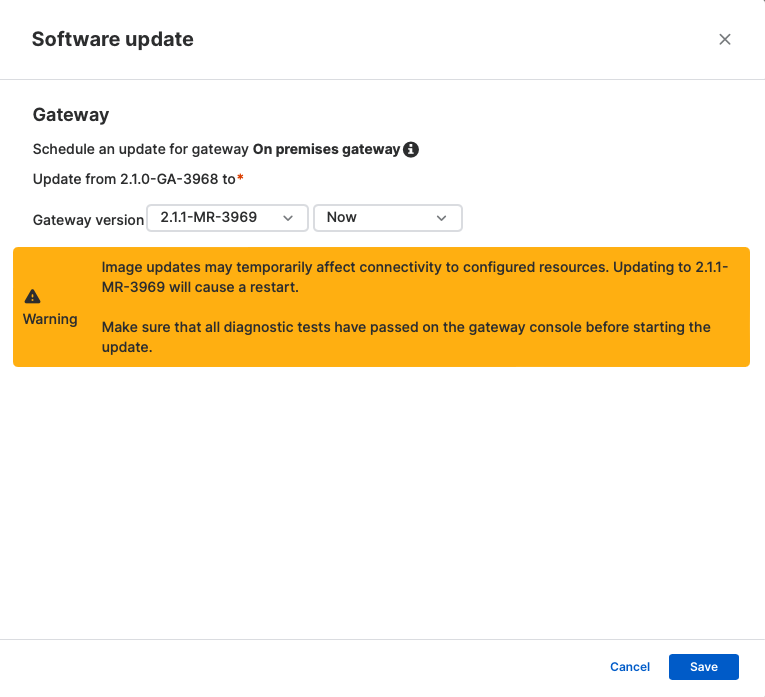
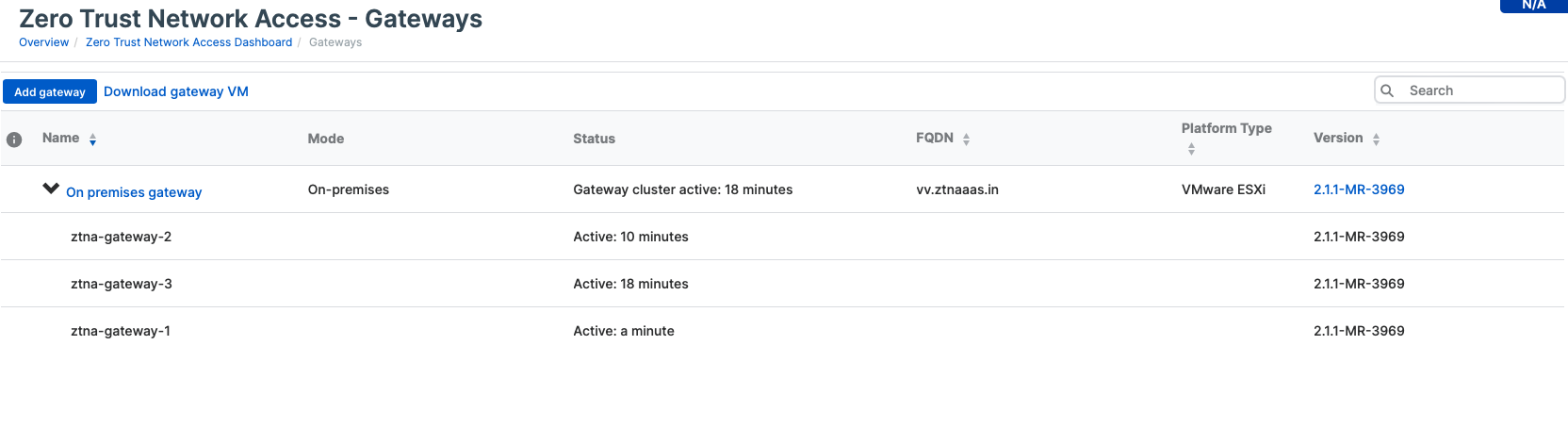
4. Following the update completion and the gateway’s activation, run diagnostics checks from the gateway console to ensure everything is operating smoothly before resuming resource access.
Comprehensive Documentation
The most recent online documentation can be accessed here.
Furthermore, the troubleshooting guide has been revised to assist in case of any configuration challenges.
About Author