
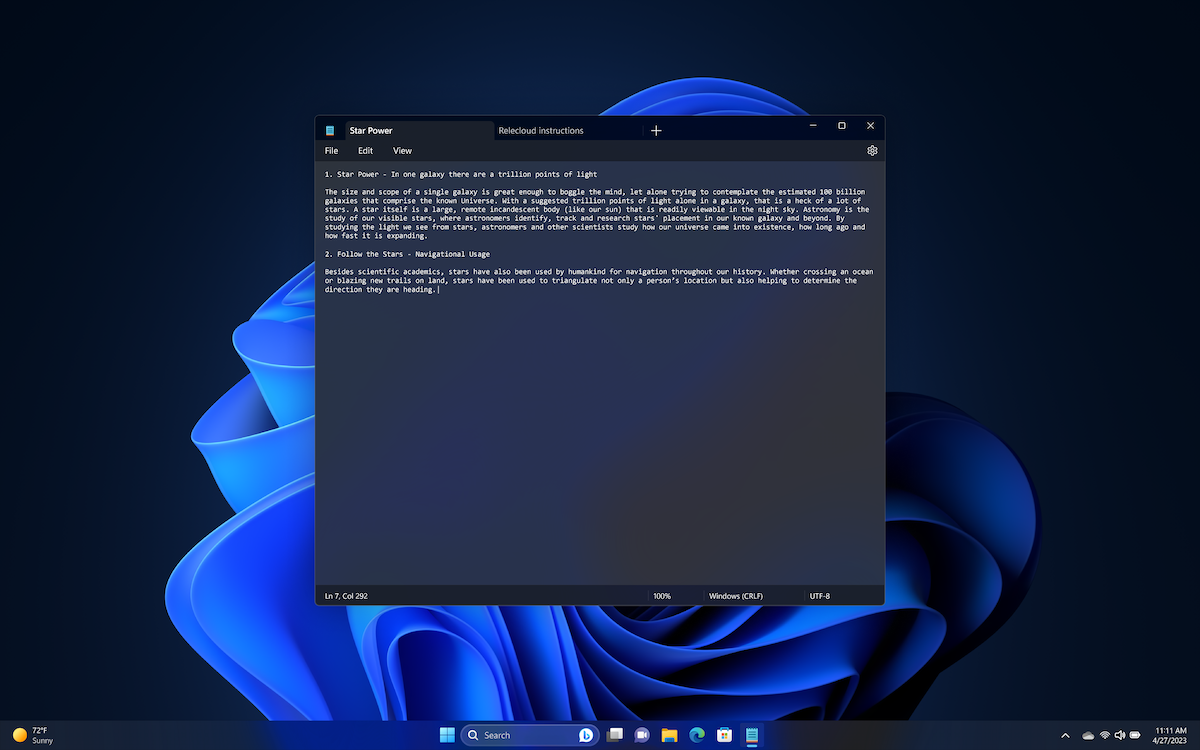
Microsoft: Critical Security Issue Found in Windows Notepad
Notepad has long been Windows’ quiet utility knife. It opens instantly, asks for nothing, and simply displays text. That simplicity is exactly why a newly patched vulnerability matters. When a built-in app used for decades gains modern features, even small implementation flaws can carry real security consequences.
Microsoft recently addressed a high-severity vulnerability in the modern Windows Notepad application, tracked as CVE-2026-20841. The issue could allow remote code execution under specific conditions. While serious, the risk depends on user interaction and affects only certain versions of Notepad.
What the vulnerability involves
The flaw exists in the updated Notepad app that includes Markdown support and clickable links. Researchers found that a specially crafted Markdown (.md) file could trigger improper handling of links or protocol calls.
To exploit the vulnerability, an attacker would need to:
- Convince a user to open a malicious Markdown file.
- Get the user to click a specially crafted link inside that file.
If those steps occur, the attacker could potentially execute code on the system with the same privileges as the logged-in user. If the user has administrative privileges, the impact could be greater.
Importantly, simply opening a plain text (.txt) file does not automatically trigger exploitation. User interaction is required.
Who is affected?
The issue applies to the modern Windows Notepad app that supports Markdown features. The classic legacy version of Notepad does not exhibit this behavior.
Microsoft released a fix as part of its February 2026 Patch Tuesday updates. Systems that receive regular Windows updates should already have the patch available.
There are currently no confirmed reports of widespread exploitation in the wild. However, proof-of-concept code has been published, which increases the likelihood that attackers could attempt to weaponize the vulnerability in phishing campaigns.
Why this matters
Built-in applications are often trusted implicitly. That trust makes them attractive targets for social engineering attacks. A file labeled “Project_Notes.md” may not raise suspicion, especially when opened in a familiar application like Notepad.
This incident also reflects a broader trend. As legacy Windows components evolve to support modern features such as Markdown rendering and link handling, their attack surface expands. Even small parsing or validation issues can introduce risk.
The takeaway is not that Notepad is unsafe by design. Rather, even simple tools can inherit complexity over time, and complexity increases the need for rigorous security review.
What you should do
• Install the latest Windows security updates immediately.
• Be cautious when opening unexpected Markdown files, especially from email attachments or unfamiliar sources.
• Avoid clicking links in documents unless you trust the source.
• Follow least-privilege principles so everyday accounts do not run with administrative rights.
For organizations, monitoring endpoint behavior such as unusual process launches from Notepad can add an additional layer of protection.
CVE-2026-20841 is a legitimate and high-severity vulnerability, but it is not an automatic system takeover triggered by opening any text file. Exploitation requires user interaction and affects specific versions of the modern Notepad app.
The real lesson is straightforward: even familiar, decades-old tools evolve. And every evolution deserves the same security scrutiny as any new software release.
For enterprises managing Windows infrastructure, also see TechRepublic’s update on a critical Windows Admin Center privilege escalation flaw and how to mitigate it.
About Author







![[un]prompted 2026 – When Passports Execute: Exploiting AI Driven KYC Pipelines](https://securityboulevard.com/wp-content/uploads/2018/01/TwitterLogo-002.jpg)