
Absolutely. Password managers provide a more secure method for organizing and protecting passwords compared to other techniques. While not flawless, consider the alternatives—like leaving notes on screens, keeping a password file on your desktop, reusing the same few passwords, or sticking to default passwords such as “admin” or “1234”?
READ: Review of Keeper Password Manager: Features, Pros & Cons (TechRepublic)
Hackers find it easier to crack passwords used with these methods than the intricate and random passwords generated by password managers. Visualize the scenario in movies where individuals use birthdates or favorite sports teams to breach a login.
This isn’t to suggest that password managers are flawless. Once the master password is known, all linked accounts can be accessed. However, following best practices like implementing two-factor authentication can mitigate these risks.
Unveiling the Operations of Password Managers
A password manager essentially serves as an application or secure locker for your passwords, eliminating the need to memorize them. Users only need to log in to the password manager using a master password. Once unlocked, the password manager app utilizes the stored passwords in its encrypted vault to access all other user accounts. For account setups or initial logins, the password manager crafts lengthy and intricate passwords for each site or application and then automatically inputs them into websites and apps.
Users of password managers are encouraged to activate and diligently utilize two-factor authentication. With this feature enabled, a malicious actor who knows the master password won’t be able to access user data and logins as they cannot provide the necessary code or biometric input mandated by 2FA. Moreover, password manager users should devise a robust password as the master—one that is easy to remember but sufficiently lengthy and contains a mix of uppercase and lowercase letters, symbols, and numbers to thwart hackers.
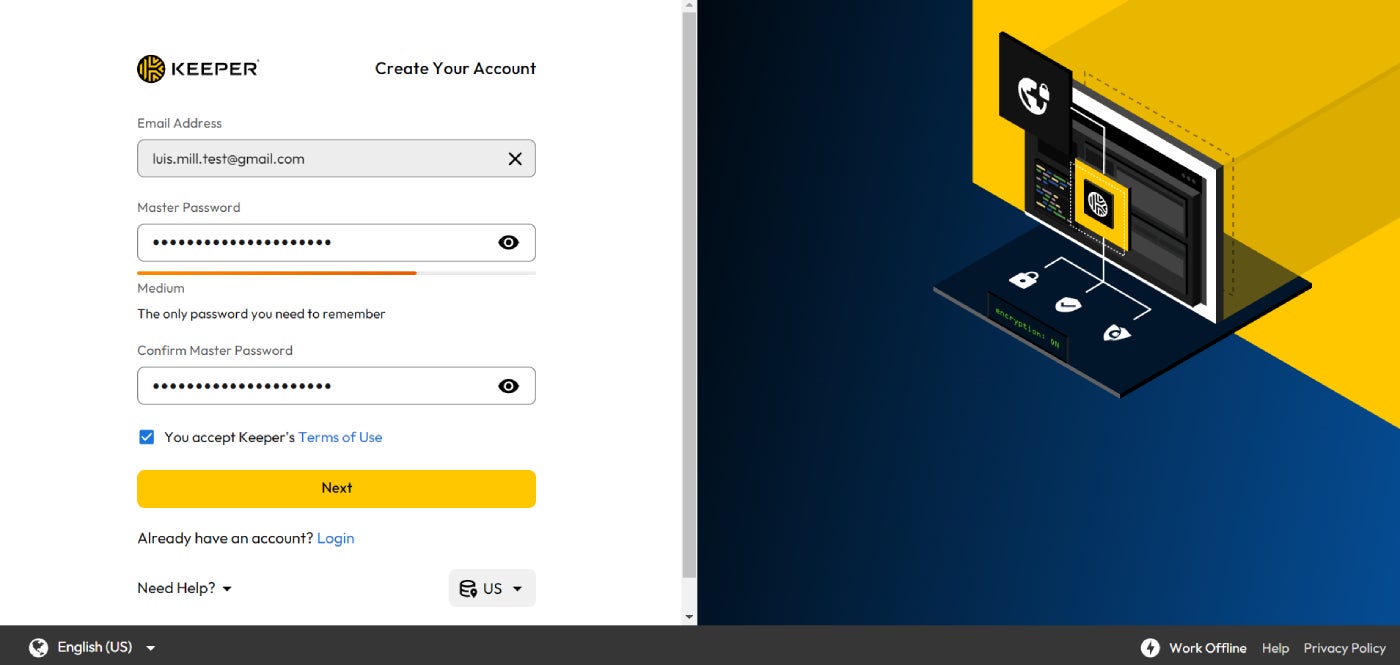
Upon acquiring a password manager, the next step involves downloading it onto your computer and/or mobile device. You’ll be guided through setting a master password, enabling 2FA, selecting the most suitable authentication method, integrating password extensions into browsers, and logging into your various accounts to modify existing passwords. The altered passwords are generated by the password manager, encrypted, and stored securely in its vault.
For individuals interested in a visual explanation, I highly recommend exploring our Password Managers 101 video currently accessible on the official TechRepublic YouTube channel.
In the video, we delve into the various features and benefits offered by password managers, the types of entities or persons that can reap the rewards from these tools, and some optimal practices to adhere to when utilizing password manager solutions.
Categories of Password Managers
Various kinds of password manager are available: cloud-based (web-based), offline, and stateless. There exist ambiguous regions transiting between these classifications, with some providers delivering products that bridge two of these divisions. Further distinctions can be made based on compatibility with specific platforms and operating systems like MacOS. However, these three primary groupings encompass most options.
Web-based password managers
Web-based password managers are also referred to as online password managers. Passwords are saved in the cloud, usually on the vendor’s server. Some free and budget-friendly consumer password managers lack robust security measures. They might have inadequate encryption, no two-factor authentication (2FA), and their password vaults may lack advanced protection features. The top contenders employ a zero-knowledge methodology wherein user data is encrypted before transmission to the vendor’s network.
Responsibilities are divided between the cloud vendor and the user. The vendor ensures their systems are secure from external access and unauthorized individuals. It offers encryption tools to safeguard the data. However, it is the user’s responsibility to prevent compromising master passwords, avoid keylogger infections, and keep 2FA activated securely.
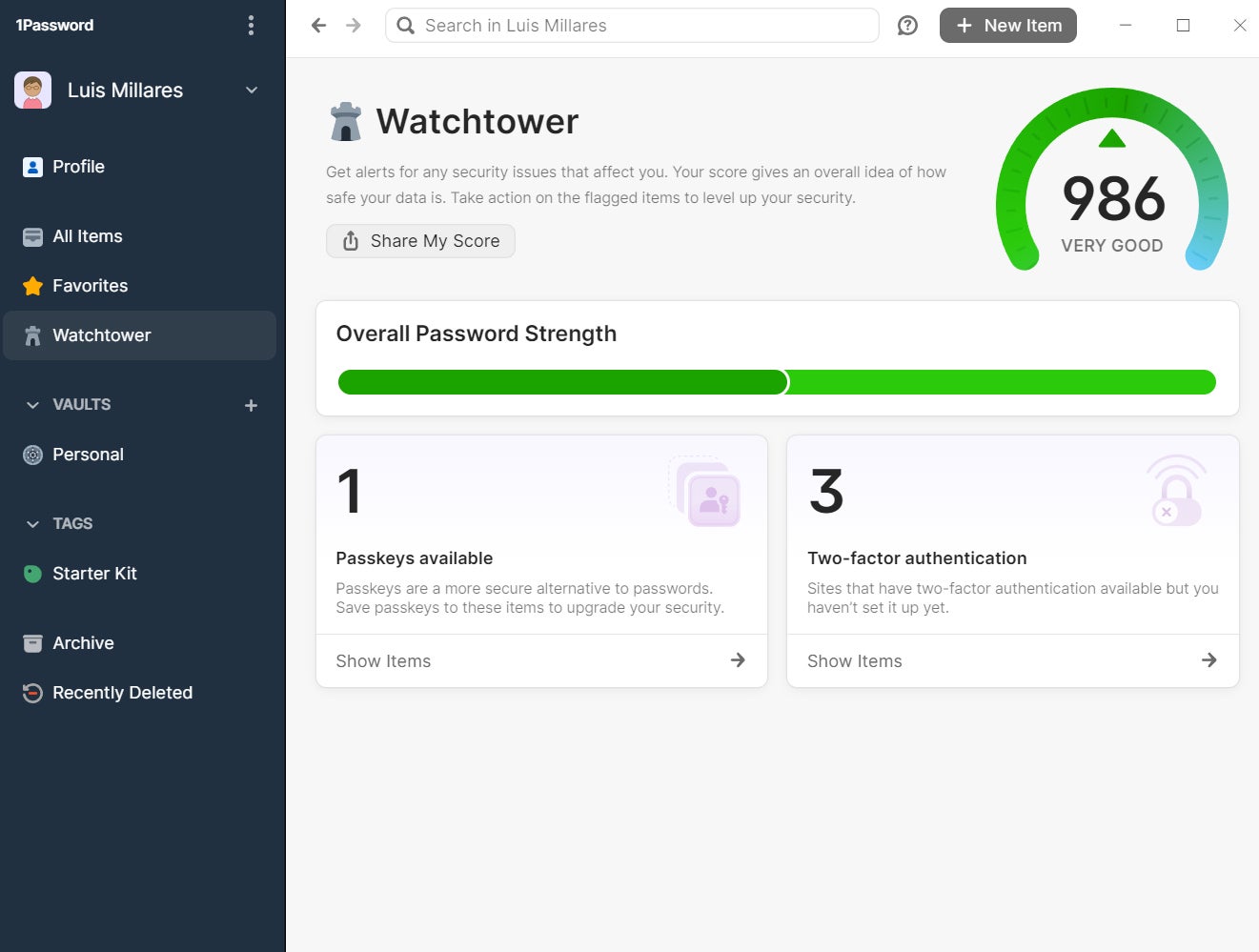
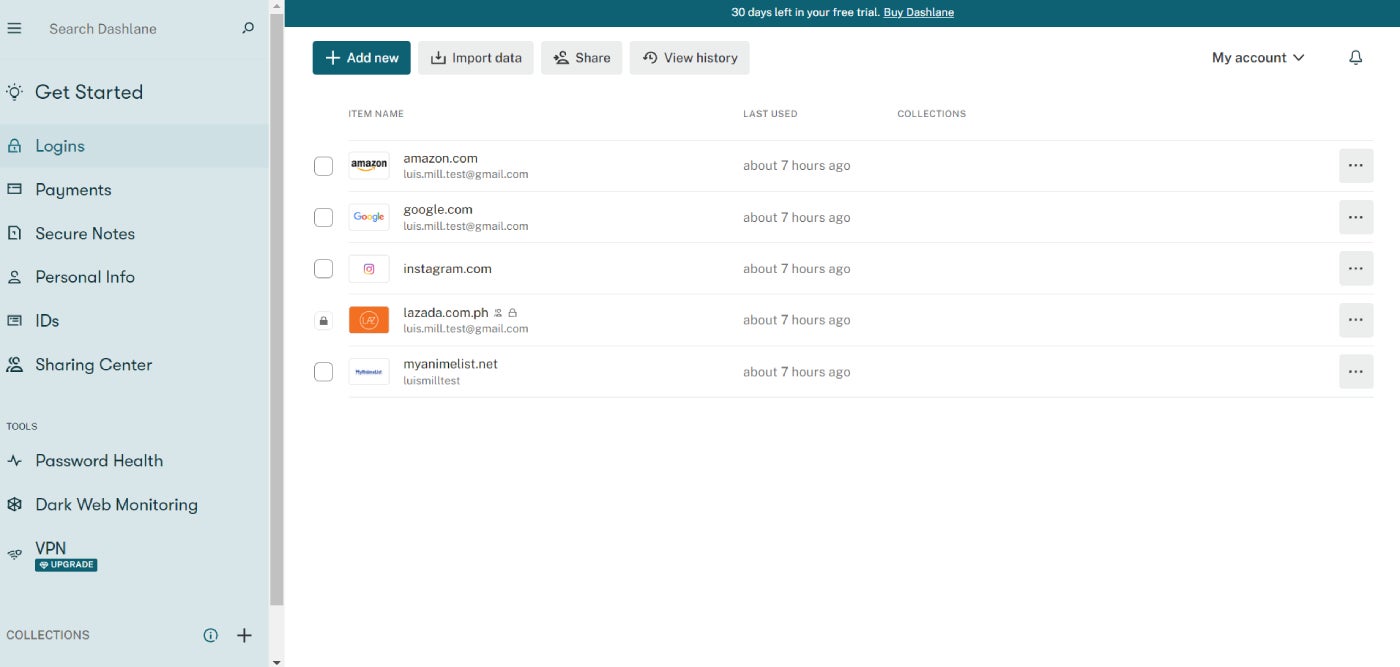
Password managers like 1Password, Dashlane, and Keeper provide web-based services.
Advantages
- Access your password repository from any location on any device.
- Simple and intuitive.
- Built-in random password generator.
- Passwords are synced across all devices.
Disadvantages
- Vault access may be open to third-party attempts.
- Master password exposure due to keylogger malware.
Offline password managers
Offline password management solutions store passwords directly on the user’s device, whether it is a mobile phone, computer, or laptop. They are stored locally in an encrypted vault, eliminating the need for external servers to manage and secure passwords.
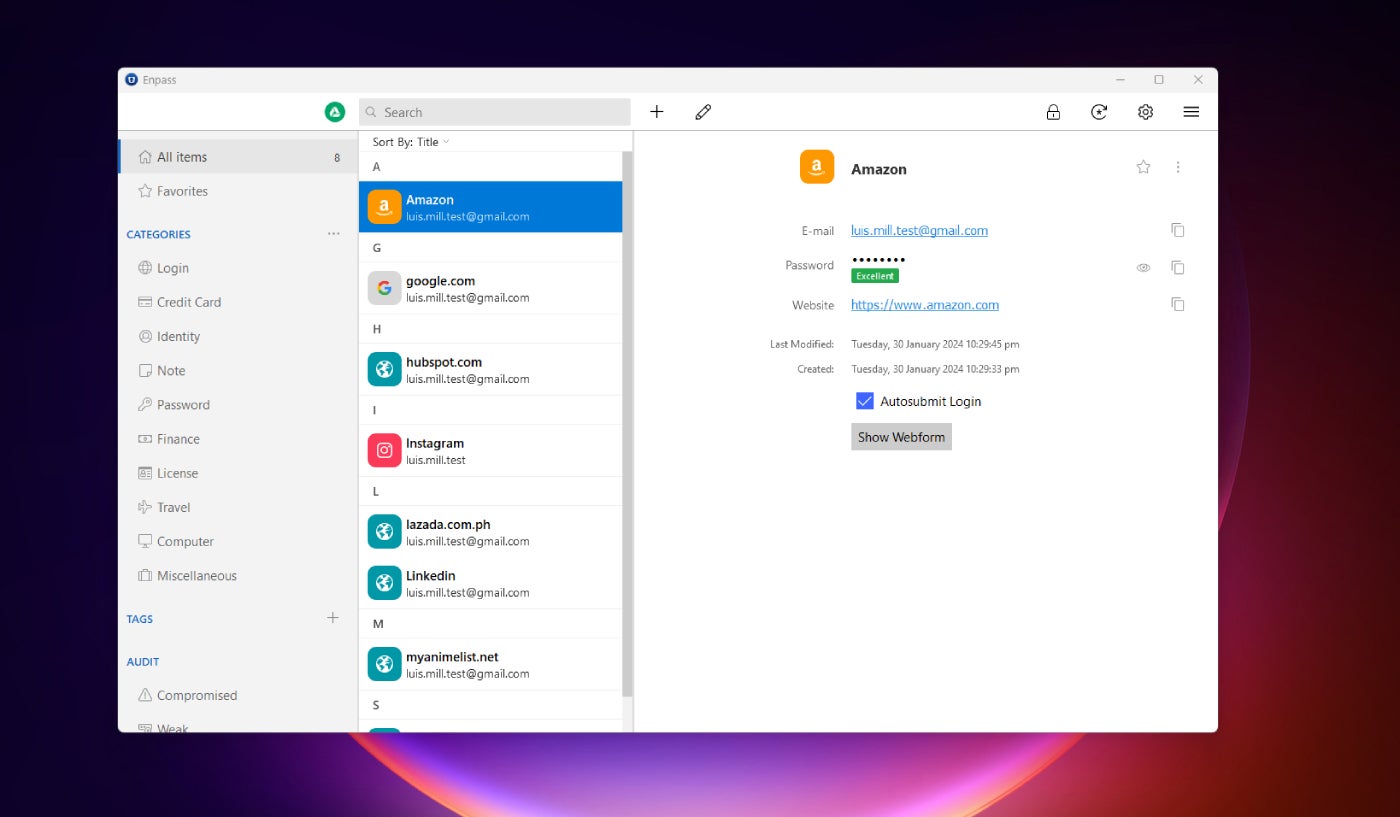
Enpass and KeePass are prime examples of offline password-management solutions.
managers. These utilities provide offline password management; passwords are saved offline in a secure and encrypted locker, and a master key is necessary for login.
Advantages
- Reduces the chance of unauthorized individuals infiltrating a password safe.
- Passwords cannot be accessed from any other apparatus unless connected with the primary device.
- Enhanced oversight and confidentiality when away from public networks.
- Accessible at all times, even without wireless internet connectivity.
Disadvantages
- Mandates frequent backups.
- Lacks seamless synchronization among multiple mobile gadgets.
- If the device is misplaced, the locker is also lost.
Stateless password administrators
Stateless password administrators (also known as token-based) formulate a distinct password for each webpage or service instead of storing passwords directly. The generated passwords rely on a master key and an identifier or token like a USB key, an authenticator-generated code, or a text-based code to a smartphone. Google Titan Security Key and Dashlane utilize this methodology. These stateless solutions do not necessitate synchronization among devices since there is no database or safe to access.
Advantages
- Credentials are maintained on a detached device.
- No necessity for syncing various devices.
- Hackers lack access to a vault or recognizable password to decode.
Disadvantages
- If the device is lost, access is forfeited.
- Generally, this approach entails exclusive hardware and software.
Are complimentary password managers secure?
A variety of complimentary password managers are obtainable — such as KeePass, Bitwarden, RoboForm, and other open-source alternatives.
Browser-based password managers that are tightly embedded into a particular browser also exist. While they are convenient and user-friendly, accessing passwords stored in one browser’s password manager from another may be challenging. Additionally, once unauthorized access to a device is achieved, all passwords can be accessed, as the browser presumes the user’s legitimacy.
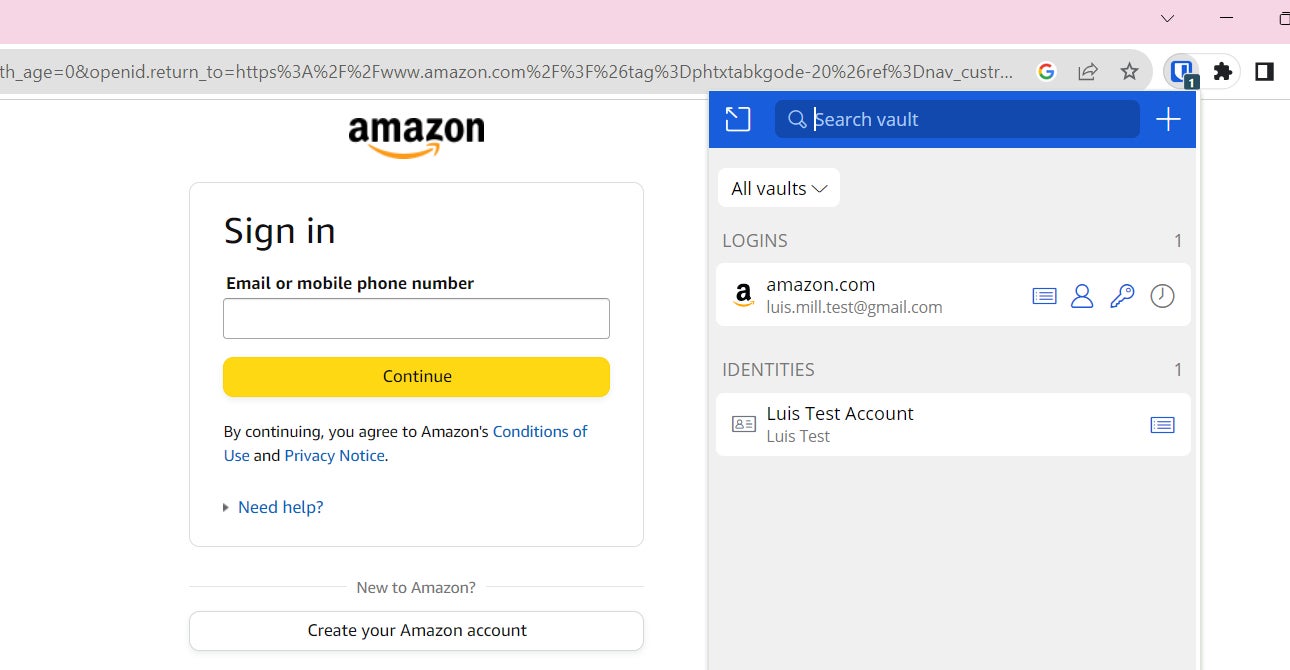
Free password managers are typically designed for personal or family use, although some might be suitable for small enterprises. However, they suffer from limited security features, absence of enterprise capabilities, and restrictions on user numbers. Individuals handling sensitive data or operating in a corporate environment are suggested to select a corporate-grade password manager.
Most Secure password managers for 2024
Outlined below are some leading options for the most secure password managers that cater well to individuals, small groups, and large corporations.

ManageEngine Password Manager Pro integrates a secure vault, robust access controls, secure remote locations, and periodic password rotation.

Norton Password Manager showcases 256-bit AES encryption, TLS secure connections, and local data encryption.

Dashlane provides a patented security framework and AES 256-bit encryption, alongside limitless password sharing and dark web monitoring.

1Password offers single sign-on, efficient provisioning, customization of management policies, and a Secrets Automation tool.

Keeper showcases 2FA, an encrypted storage, biometric sign-in, alongside a single sign-on alternative in its advanced package.

Bitwarden is capable of producing, consolidating, and automatically filling in robust and secure passwords for all accounts, generating and overseeing unique passwords and passcodes, and securely distributing encrypted information directly.
Best practices for managing passwords
Password managers reduce a significant portion of the inherent risks of operating online. However, not all risks are eliminated. Here are some recommendations to enhance security and reduce the probability of a security breach.
Utilize multi-factor authentication
MFA should be utilized alongside password management systems for ensuring security and overall protection. By introducing an additional verification step after entering the master password, like a biometric scan, authenticator app, or text-based code, hackers will face significant challenges gaining access even if they manage to obtain the master password.
Enforce device security
Some password managers necessitate a physical key or USB stick for password access. Others require a master password. Despite this, the device should also be safeguarded independently. Ensure that a password or biometric is required to unlock the device, and configure it to automatically lock after a short period of inactivity.
Safeguard master passwords
All the advantages of a password manager can be nullified if the user notes down the master password on a piece of paper or shares it with others. Keep your master password secure.
About Author




