
Bitwarden vs KeePass (2024): Battle of the Best – Who Emerges Victorious?
When it comes to password managers, Bitwarden and KeePass stand out as two renowned open-source options. Choosing between them might seem daunting initially, but distinct characteristics surface quickly when both are put to the test.
If you’re not an advanced user with specific customization needs, Bitwarden is likely the superior choice over KeePass.
Bitwarden vs. KeePass: Side-by-Side Comparison
Aside from pricing, several other aspects should be evaluated when selecting a password manager. Let’s explore the key disparities between Bitwarden and KeePass:
| Platform Support | ||
| Password Import | ||
| Browser Extensions | ||
| Customer Assistance | ||
| Forever Free Plan | ||
| Starting Price |
Bitwarden vs. KeePass: Cost Analysis
Bitwarden Pricing
Bitwarden provides two plan options: one for personal and family use, and another exclusively for businesses. Free trials are offered for the Families, Teams, and Enterprise plans. Here are the rates for these packages:
- Bitwarden Personal
- Free: $0 forever for unlimited devices.
- Premium: $10 billed annually ($0.83 per month).
- Families: $40 billed annually ($3.33 per month) for up to six users.
- Bitwarden Business
- Teams: $4 per user per month, billed annually.
- Enterprise: $6 per user per month, billed annually.
- Custom quote: Reach out to the sales team for personalized pricing.
For a comprehensive evaluation, refer to our in-depth Bitwarden review and our comparison of Bitwarden Free vs. Premium plans. To gauge Bitwarden against other popular password managers, explore our analyses of NordPass vs. Bitwarden, BitWarden vs. LastPass, and LogMeOnce vs. Bitwarden.
KeePass Pricing
The official KeePass download, designed for Windows exclusively, is entirely free of charge. However, certain user-contributed ports for alternative platforms (like Android, Mac, and iOS) may require payment. For instance, Strongbox, one of the most popular Mac ports for KeePass, is priced at $2.99 per month, $19.99 annually, or $89.99 for a lifetime subscription. Meanwhile, others, such as KeePassXC (the version reviewed here), are free.
To delve further, refer to our comprehensive KeePass review and the KeePass vs. Keeper comparison.
Bitwarden vs. KeePass: Features Contrast
Cross-Platform Compatibility and Syncing
Bitwarden offers an array of official apps across different operating systems and devices. Enjoy the web app (Figure A) or download the desktop app for Windows, MacOS, or Linux. Mobile apps are accessible on both Android and iOS devices, including the Apple Watch. Browser extensions are available for Google Chrome, Safari, Firefox, Vivaldi, Opera, Brave, Microsoft Edge, Tor Browser, and DuckDuckGo for Mac. Advanced users can utilize the Bitwarden command-line interface to create and execute scripts within their vault.
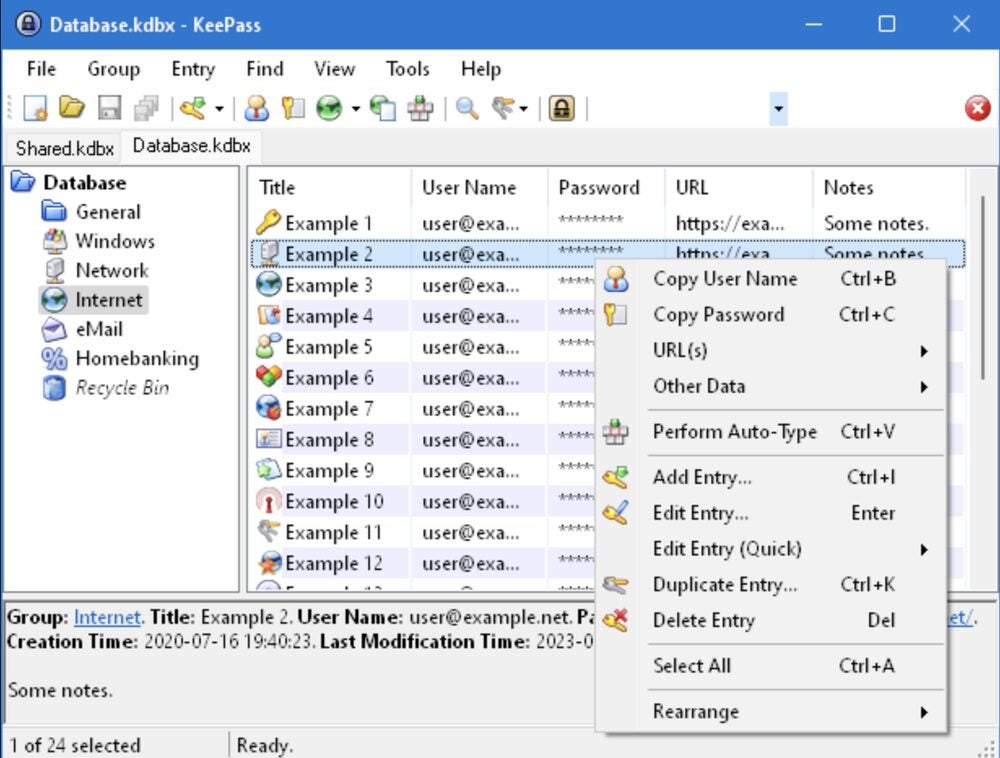
On the contrary, KeePass solely furnishes a lone official download for Windows desktops (Figure B). There exist various user-generated adaptations for MacOS, Linux, Android, iOS, and web browsers. Take note that each iteration of KeePass showcases a totally distinct layout from all the others as they were crafted autonomously by different users. To synchronize passwords across several devices, you can opt for local network shares, FTP, HTTP, WebDAV or an external cloud-based alternative like Google Drive or OneDrive.
Regarding employing your password administrator on various devices, Bitwarden stands out as the evident selection due to its singular harmonized interface design and plain syncing. I’ve never encountered any challenges while utilizing Bitwarden on my web browser, laptop or smartphone. To achieve a comparable setup in KeePass with costless applications, I would need to secure one adaptation for my MacBook, a plugin or an alternate adaptation for my browser, and an additional adaptation for my iPhone, followed by syncing them all together through a fourth service such as Google Drive.
User interface
The simplicity of operation stands as one of the primary factors when picking a password manager for personal or professional usage. If the password manager appears too complex, individuals may simply abandon it and revert to using “password123” for all their accounts, which runs counter to the purpose of a password manager.
SEE: 10 Myths about Cybersecurity You Shouldn’t Believe (TechRepublic Premium)
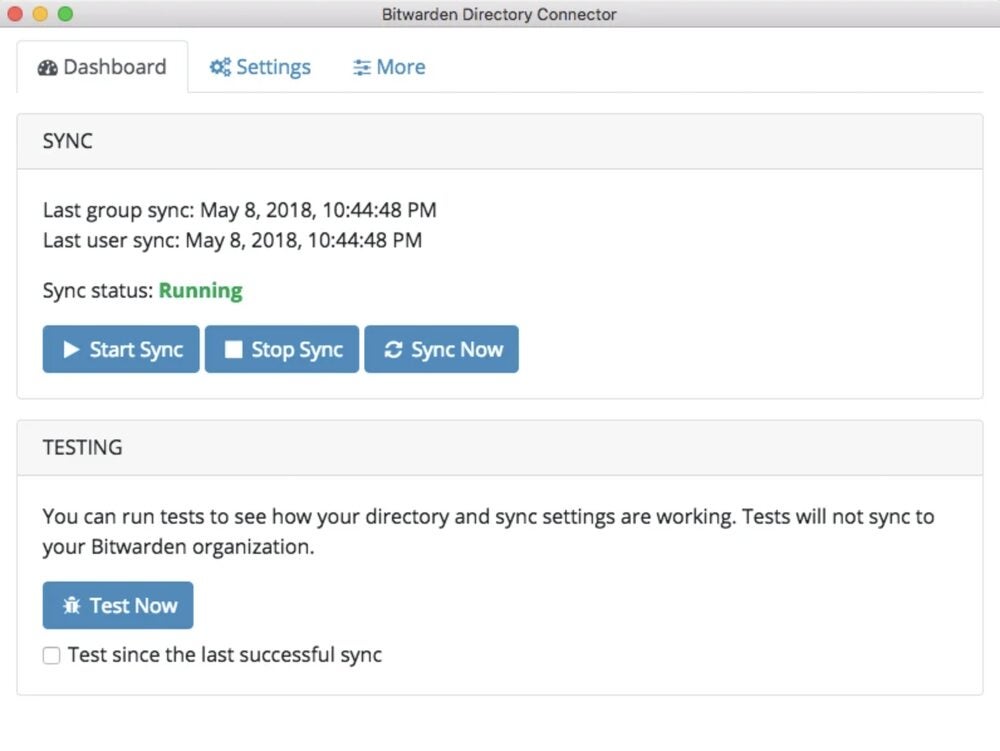
Having tested both Bitwarden and KeePass, I can affirm that Bitwarden is considerably simpler to navigate than KeePass, which is why I’ve utilized it to manage my personal passwords for years and have no plans to switch. Individual passwords synchronize automatically, whereas organizational passwords sync every 30 minutes (Figure C). Conversely, KeePass is tailored for highly tech-proficient individuals ready to invest substantial time and energy in fine-tuning the various adaptations and plugins to precisely suit their preferences.
To obtain a comprehensive examination of the user interface, peruse our detailed tutorials illustrating the utilization of KeePass and how to apply Bitwarden.
Protection
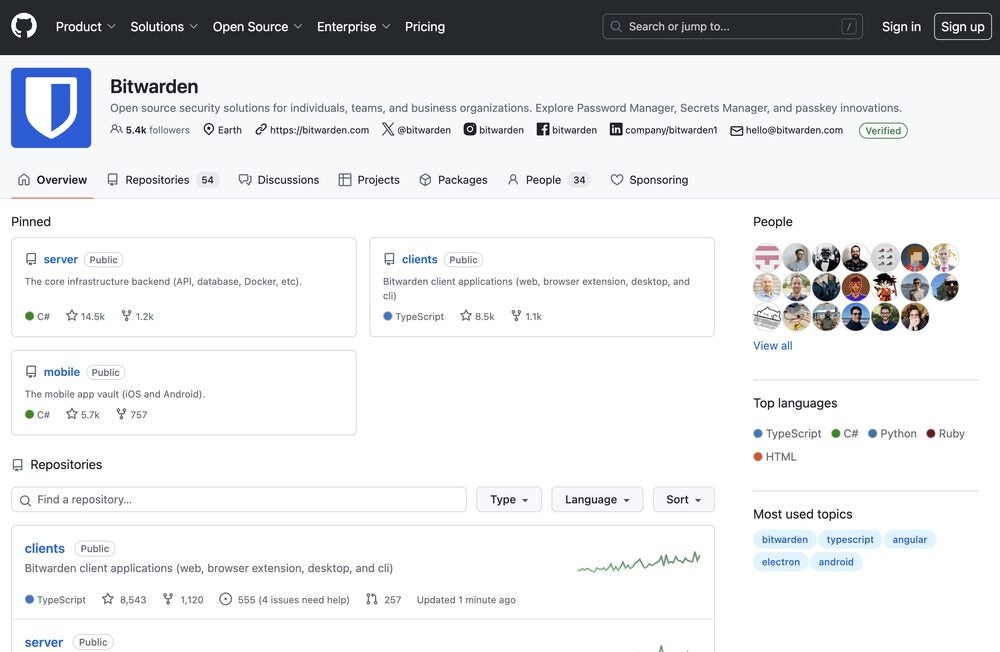
Both Bitwarden and KeePass are open-source platforms, with Bitwarden’s source code openly accessible on GitHub for public scrutiny (Figure D). Passwords are entirely encrypted to prevent unauthorized access to your account information. Bitwarden secures vault data with AES-CBC 256-bit encryption and uses PBKDF2 SHA-256 or Argon2 for key derivation. In contrast, KeePass employs AES-256, SHA-256, HMAC-SHA-256, and SHA-512 unless manually altered by the user.
Moreover, Bitwarden undergoes regular evaluations by external security firms and independent researchers to proactively identify vulnerabilities. In comparison, a security review of KeePass by the European Commission’s Free and Open Source Software Auditing (EU-FOSSA 1) project did not uncover any security flaws.
Client Assistance
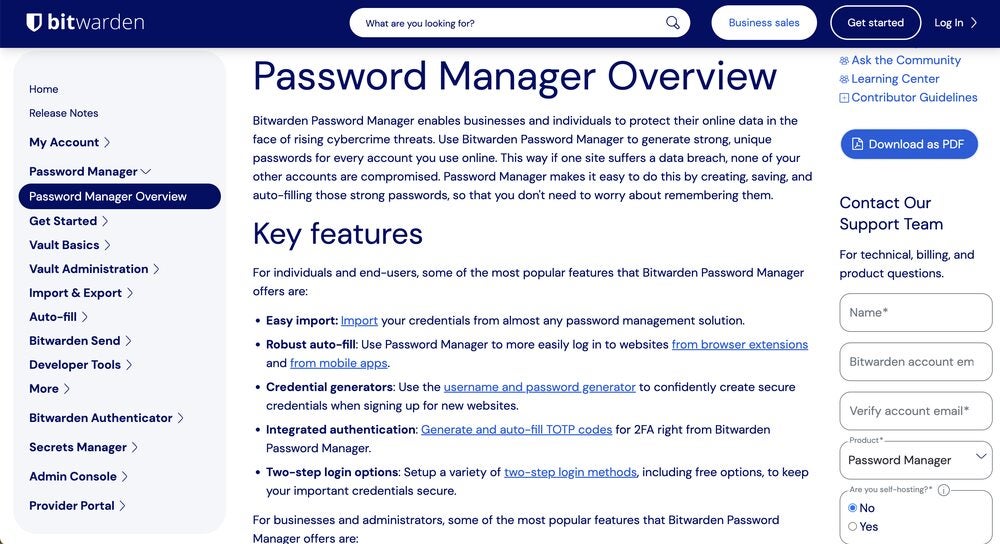
Bitwarden provides various support options, including informative articles in the Help Center, instructional videos in the Learning Center, and a community forum for user queries. In case your issues persist, you can raise a support request via the website (Figure E), and the support team will address your concerns. Communication through phone or live chat is unavailable, so you’ll have to wait for their response.
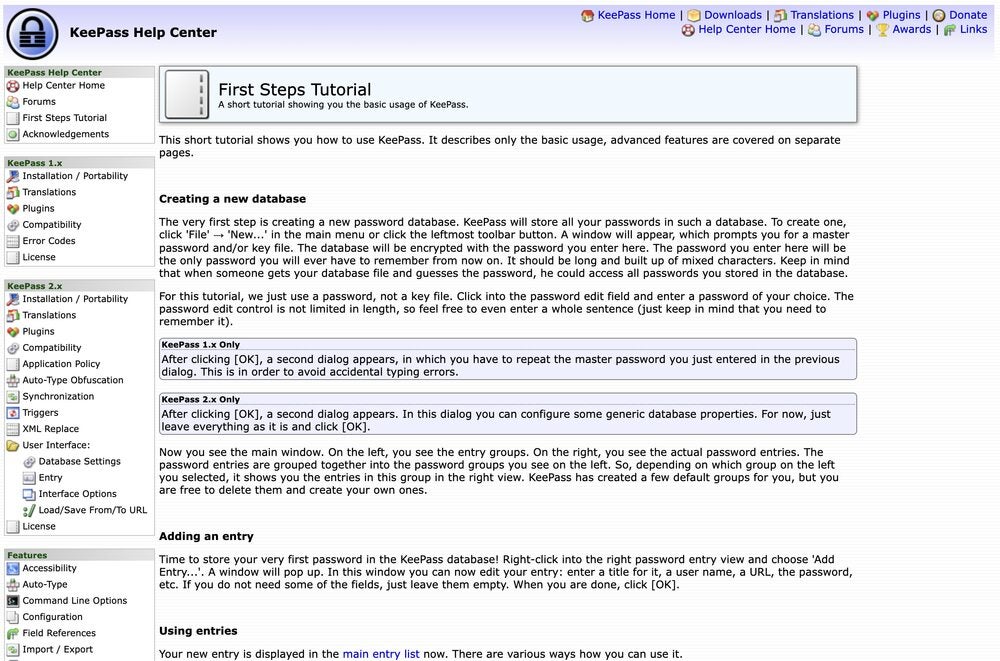
Due to its complete open-source nature, KeePass does not offer direct customer support. However, there is a Help Center available for the official KeePass containing articles on common topics and functionalities, like installation and plugins (Figure F). Each of the different user-created adaptations.additionally furnishes its own documentation, which exhibits variance in terms of completeness and utility. Should your foresight entail reliance on assistance while utilizing your password manager, then I propose Bitwarden as a superior choice compared to KeePass.
Integrations
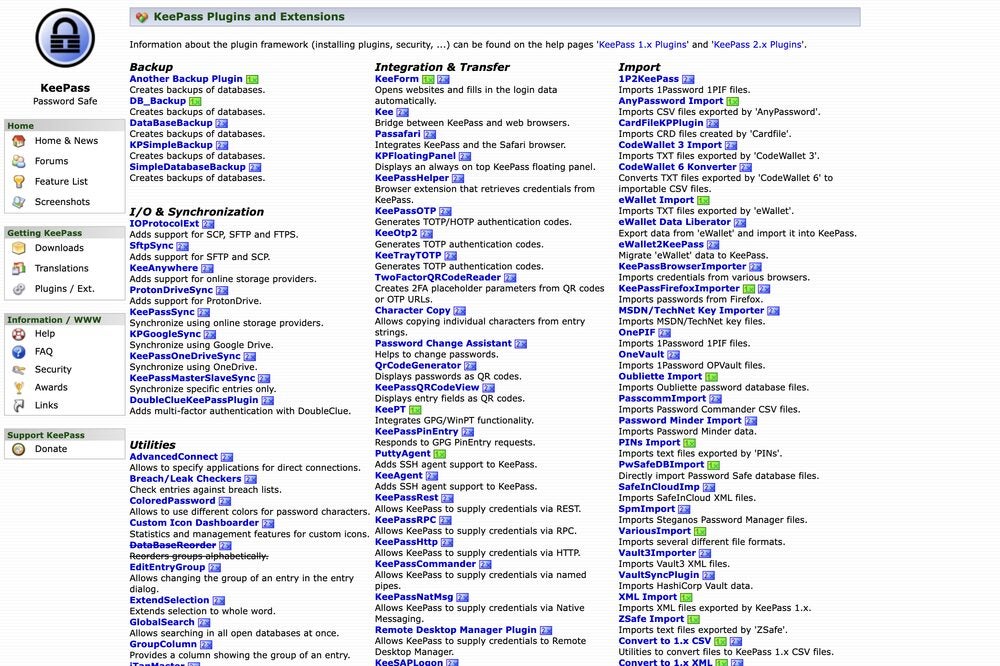
Bitwarden indeed presents a handful of integrations with single sign-on providers such as Okta, nevertheless, it lacks an abundance of other alternatives. On the contrary, KeePass showcases over a hundred plug-ins and extensions (Figure G), but these should not be classified as integrations in the strictest sense. Instead, KeePass banks on these plug-ins to supply numerous functionalities — like passphrase generation and existing password import — which are inherently integrated within Bitwarden. Each of these plug-ins necessitates individual setup and configuration, thereby amplifying the complexity of implementation.
Bitwarden strengths and weaknesses

Bitwarden advantages
- Complimentary version dedicated to individuals with boundless passwords.
- Reasonable, transparent pricing structures.
- Open-source nature.
- Straightforward to establish and operate.
- Renowned for its exceptional security standards.
- Various alternatives for customer aid and instructional materials.
Bitwarden disadvantages
- Enhancement potential for desktop UI.
- Some functionalities are exclusive to premium accounts.
KeePass strengths and weaknesses
KeePass advantages
- The official application is perpetually free.
- Extremely adaptable due to the myriad of plug-ins.
- Created as open-source and offers heightened security.
KeePass disadvantages
- Dependent on plug-ins for numerous functionalities.
- Only compatible with Windows systems.
- Minimal assistance available for users.
- Complex setup and usage.
- Outdated interface design.
Would it be advisable for your organization to opt for Bitwarden or KeePass?
I would suggest selecting Bitwarden over KeePass for both personal and business applications. Bitwarden offers comparable security to KeePass but has a much simpler setup process and user interface, lowering the learning curve significantly for beginners. While I never employed a password management tool before Bitwarden, I quickly grasped how to utilize it after my initial registration. In contrast, setting up and syncing KeePass and determining the suitable ports for various devices was a challenging task, even after years of managing passwords. Utilizing KeePass on multiple devices may lead to a fragmented experience, as each port seems like a distinct application in terms of design and interface.
The official KeePass application is perpetually free, without any features locked behind a paywall. However, most features are reliant on plug-ins and extensions that necessitate individual setups. Basic features available on Bitwarden’s free plan, like passphrase generation, are solely accessible via plug-ins in KeePass. A few KeePass ports introduce additional native features (along with a modernized interface that departs from its dated appearance), but continual use often requires payment.
KeePass may appeal to highly tech-savvy users willing to dedicate extensive effort to customize their password manager meticulously. For the majority of users, I advocate choosing Bitwarden due to its user-friendly design and consistent application experience across various devices.
Methodology for Evaluation
In evaluating Bitwarden versus KeePass, I downloaded the free versions of both applications and established accounts. Since I use a Mac device and lack a Windows machine, I selected one of the unofficial KeePass ports and opted for KeePassXC due to its zero cost. Throughout my assessment, I emphasized ease of use, interface design, and synchronization. I also considered factors such as expenses, security, and customer service.
About Author




