Microsoft Confirms Windows Update Bug Blocking Security Fixes
Microsoft’s latest update is failing at the one job it cannot afford to get wrong: installing.
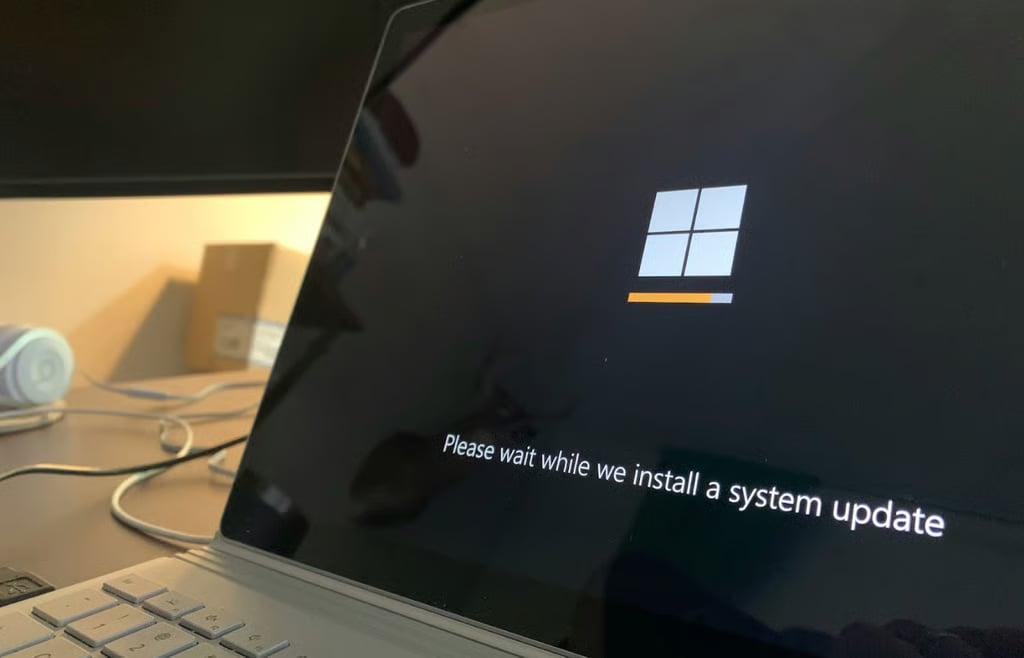
Several Windows users have reported that the Patch Tuesday update, KB5089549, fails to install on systems with nearly full EFI System Partitions, resulting in error code 0x800f0922. The issue occurs mid-install and triggers an automatic rollback, leaving affected devices unpatched.
Microsoft has acknowledged the issue and rolled out a Known Issue Rollback (KIR) to address the problematic experience. Even so, the episode points to a familiar Windows problem where updates keep failing due to minor issues.
A Windows update with rough edges
On May 12, Microsoft released KB5089549 as part of its mandatory monthly cumulative update for Windows. While the update rolled out with necessary security patches and other feature additions, it has, however, not been without problems. Reports have emerged that, mid-update, many users are shown 0x800f0922 errors halting the process.
Confirming its awareness of the problem, Microsoft wrote:
“This issue occurs on devices that have limited free space on the EFI System Partition (ESP), especially if it has 10 MB or less available.”
It also says that some affected users may have their update pass the initial stage, but fail to complete, with the error occurring “during the restart phase at approximately 35-36% completion.”
Affected users will have their updates rolled back and may see a message with the lines “Something didn’t go as planned. Undoing changes,” and will be directed to check the log entries at C:WindowsLogsCBSCBS.log, which indicate a lack of free ESP space as the cause.
How to get the fix for the issue
If your device has failed to get the KB5089549 update, Microsoft says you have to use the provided KIR feature, which it also says has “propagated automatically”. Just restart your device, then try the update again.
However, if you prefer a more technical approach, the company provided a second option:
- Open Command Prompt as admin
- Run this command: reg add “HKLMSYSTEMCurrentControlSetControlBfsvc /v EspPaddingPercent /t REG_DWORD /d 0 /f”
- Restart your computer, then retry the update.
The two options above apply to consumer and non-enterprise-managed devices. If your Windows computer is part of an enterprise environment, the responsibility shifts to your IT admin. IT admins should download and configure the provided Group Policy, then restart all devices in that environment for the changes to take effect.
Advertisement
More on Microsoft’s updates
KB5089549 is not the first Microsoft update to break this year. According to BleepingComputer, this same month it fixed an Autopatch bug for users in the EU. An earlier April security update caused that bug.
In January, a patch meant to fix another bug introduced additional bugs, while the company pulled a March update due to installation issues.
On top of that, this month’s Patch Tuesday had barely dropped when an enraged security researcher published two exploits Microsoft failed to patch. For now, if reliability is the promise, updates like KB5089549 are a test case.
The company has, however, assured users that it is working to fix Windows, making it a highly reliable and stable operating system.
About Author