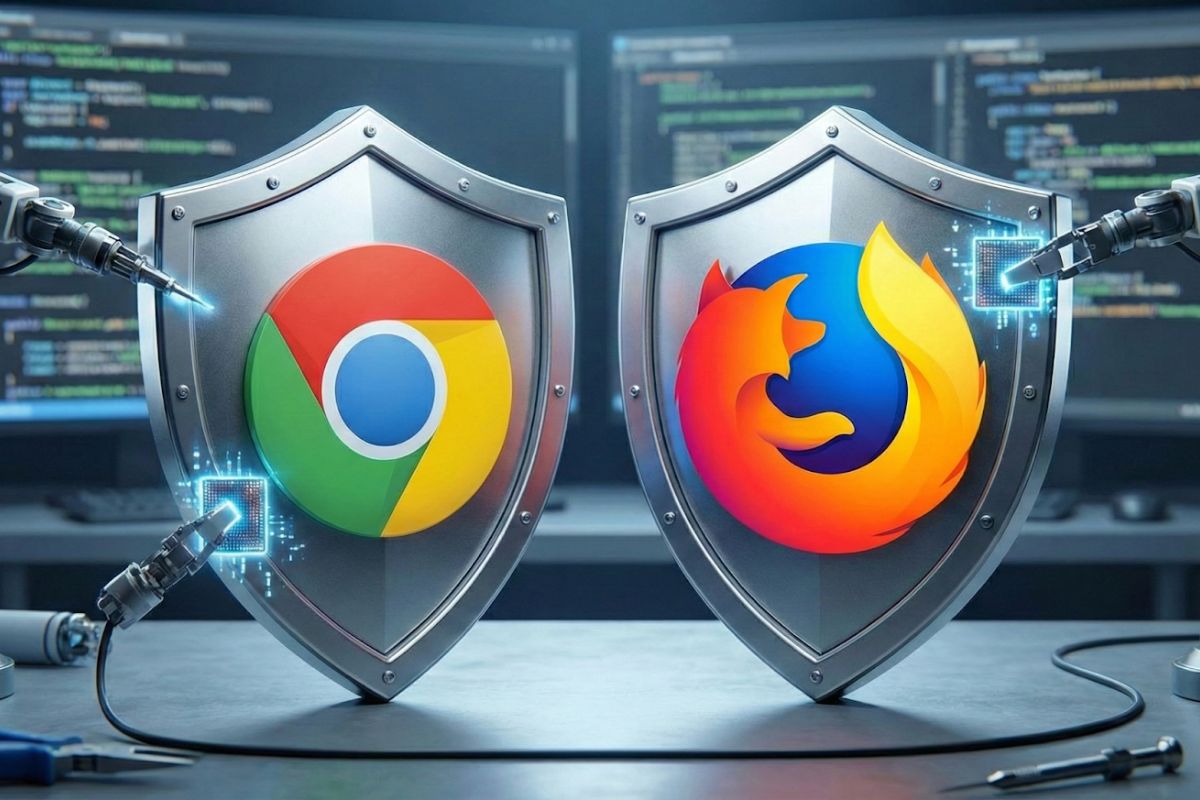
Google and Mozilla Patch 26 Security Flaws in Chrome 144, Firefox 147
Grab your virtual wrench, folks… it’s time for some essential maintenance on the digital workhorses we use every day.
This week, both Google Chrome and Mozilla Firefox released major updates, patching dozens of security flaws that, if left unchecked, could have exposed users.
Let’s break down what’s in these crucial updates.
Chrome 144: A focus on core security
Google has begun rolling out Chrome 144 (versions 144.0.7559.59/.60) to all desktop users. While the company promises blog posts about new features soon, the immediate headline is security. This update tackles ten vulnerabilities, three of which are rated high severity.
Two of those high-severity bugs (CVE-2026-0899 and CVE-2026-0900) were found in V8, the engine that powers Chrome’s JavaScript. Another high-severity issue (CVE-2026-0901) was fixed in Blink, the browser’s rendering engine.
Google paid out $18,500 in bug bounties to external researchers who helped find six of the flaws. The top reward was $8,000 for one of the V8 vulnerabilities. As is standard practice, detailed information on some bugs is being withheld for now.
What to do: Chrome updates automatically, but you can manually check by clicking Help > About Google Chrome. If an update is pending, restart your browser.
Firefox 147: Plugging sandbox escapes and adding features
Not to be outdone, Mozilla has shipped Firefox 147 with a hefty set of 16 security fixes. Seven are marked as high severity, and a concerning trend emerges: four are “sandbox escape” flaws.
These types of bugs are serious because they could allow attackers to bypass sandboxing mechanisms. The fixed sandbox escapes were found in the Graphics and Messaging System components.
Beyond security, this update brings a couple of handy features. PC World reports that Firefox’s picture-in-picture video mode can now activate automatically when you switch tabs. The update also improves video playback performance on AMD graphics cards and introduces a more private version of Safe Browsing that checks risky websites locally instead of sending your data to a cloud service.
What to do: Head to Menu > Help > About Firefox to trigger the update.
No active exploits — but updates are urged
Neither Google nor Mozilla has reported any of these vulnerabilities being actively exploited in the wild so far. Still, security researchers warn that browser flaws — especially those tied to memory corruption and sandbox escapes — are often attractive targets.
With 26 security issues fixed across both browsers, security experts recommend updating as soon as the new versions become available on your device.
For a wider lens on how defenders are thinking about risk right now, check out this TechRepublic breakdown of CISA’s new AI security guidance and what it means for 2026 and beyond.
About Author