
Steps for Thwarting Phishing Attacks using Multi-Factor Authentication
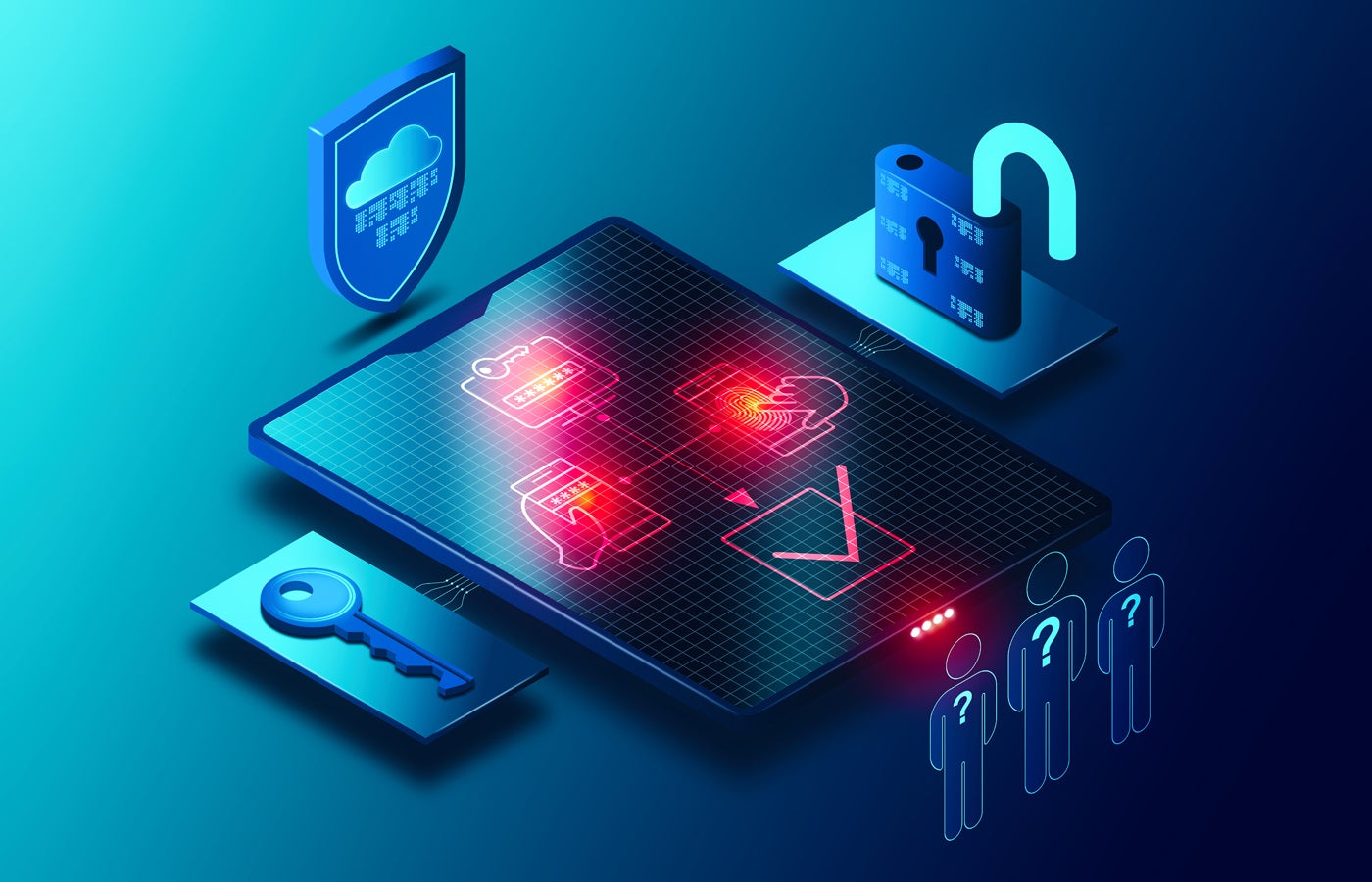
Phishing exploits the most vulnerable aspect in any organization’s cybersecurity system — human conduct. Phishing campaigns are often initiated through email, although some initial attacks have shifted towards text messaging or phone calls.
Typically, an email appears claiming to be from HR or IT, resembling any regular company correspondence. It instructs recipients to update their personal information or IT profile by clicking a link or opening an attachment. Once individuals comply, they are prompted to enter personal data like birthdate, full name, social security number, and passwords.
This allows malicious actors to hijack their accounts, steal their identity, and possibly initiate a ransomware assault that locks the entire company out of its IT systems.
As per the 2024 Global Phishing By Industry Benchmarking Report by KnowBe4, around one-third of employees, representing 34.3% of an organization’s workforce, may engage with a fraudulent phishing email. Even after 90 days of anti-phishing training, an estimated 18.9% are likely to fail a simulated phishing test. Following a year of phishing and security training, this figure drops to approximately 4.6% or close to 5%.
In essence, it is improbable for any organization to completely eradicate intrusions arising from phishing attempts. This emphasizes the crucial need for every organization to implement multi-factor authentication.
Explaining the Mechanism of Multi-Factor Authentication
One of the top defenses against credential-harvesting phishing attacks is MFA. This introduces an extra step that individuals must go through to gain access. Consequently, even if cybercriminals compromise an account, they are thwarted from causing harm due to lacking the additional element required for entry.
MFA integrates different security factors in the authentication process, such as:
- Something you know: a password or PIN.
- Something you have: a phone, USB drive, or email for receiving a code.
- Something you are: a fingerprint or facial recognition.
With a secondary code-sharing device or biometric tool for authentication, MFA heightens the challenge for credential thieves to surpass those security factors.
If someone falls for a malicious link resulting in stolen credentials, MFA provides an additional verification point inaccessible to threat actors, be it via SMS, email verification, or through an authenticator app.
For users, this means they must provide a biometric identifier on their device or receive a code via text or an authenticator app on their phone. This process usually only takes a few seconds. The only inconvenience might be delays in code delivery.
It’s important to note that threat actors are advancing their tactics to compromise MFA credentials. According to an
Warning issued by the Cybersecurity and Infrastructure Security Agency:
When employing a frequently used phishing tactic, a malicious actor sends an email to a victim that persuades the user to access a website controlled by the attacker, which imitates a legitimate login portal of a company. The user then provides their username, password, and the 6-digit code from their mobile phone’s authenticator application.
CISA suggests employing MFA methods resistant to phishing to enhance overall cloud security against phishing attempts. There exist various approaches to achieve this.
Selecting the optimal MFA solution for your company
Any form of MFA contributes to safeguarding data in the cloud from phishing attacks. Common MFA includes a code sent via text. However, threat actors have discovered methods to deceive users into divulging those codes. Additionally, users might expose themselves by not enabling MFA across all their applications and devices or by deactivating MFA entirely.
Thus, enterprises should prioritize MFA impervious to phishing and incorporate two or more layers of validation to achieve a high level of defense against cyber threats. Below are essential characteristics to seek in potential MFA solutions:
Code Distribution
Code distribution functions by sending a text to a mobile device or a code to an authenticator app on that device. While code distribution is a good initial measure, it is not adequate on its own.
Rapid ID Online
Rapid ID Online (FIDO) exploits asymmetric cryptography, where distinct keys encode and decode data. FIDO validation operates either through distinct physical tokens or authenticators embedded within laptops or mobile gadgets.
Near-Field Communication
Near-field communication (NFC) uses short-range wireless technology embedded in a physical security key like a phone, a USB device, or a fob. Some approaches also incorporate a security chip within a smart card.
VIEW: Securing Linux Policy (TechRepublic Premium)
Recommended MFA options
Several top-tier MFA solutions for enterprises are accessible.
PingOne MFA

In addition to standard MFA functionalities like one-time passwords and biometrics, PingOne MFA employs dynamic policies that IT departments can utilize to streamline the authentication process and merge authentication into business applications. As a cloud-based service, PingOne MFA enhances authentication robustness by necessitating a combination of factors — such as mandating a user to scan their biometric fingerprint specifically on their smartphone.
Cisco Duo

The Cisco Secure Access by Duo provides numerous pre-built integrations, a straightforward enrollment procedure, and convenient push authentication capabilities. It stands as one of the most widely utilized MFA solutions and strikes a fine balance between ease of use and overall security. Cisco Secure Access by Duo seamlessly integrates with prominent identity providers such as OneLogin, Okta, AD, and Ping.
IBM Security Verify
IBM’s MFA solution seamlessly integrates with various IBM security tools and products, making it an excellent option for businesses that prefer IBM solutions. It offers both cloud-based and on-premises versions, adaptive access, and risk-based authentication. IBM Security Verify allows for MFA with most applications with minimal configuration requirements. Currently, it supports email OTP, SMS OTP, time-based OTP, voice callback OTP, and FIDO authenticator as secondary factors, among others.
About Author




