Is It Possible to Send a Check via Fax? Absolutely. Take These Steps for Secure Transmission
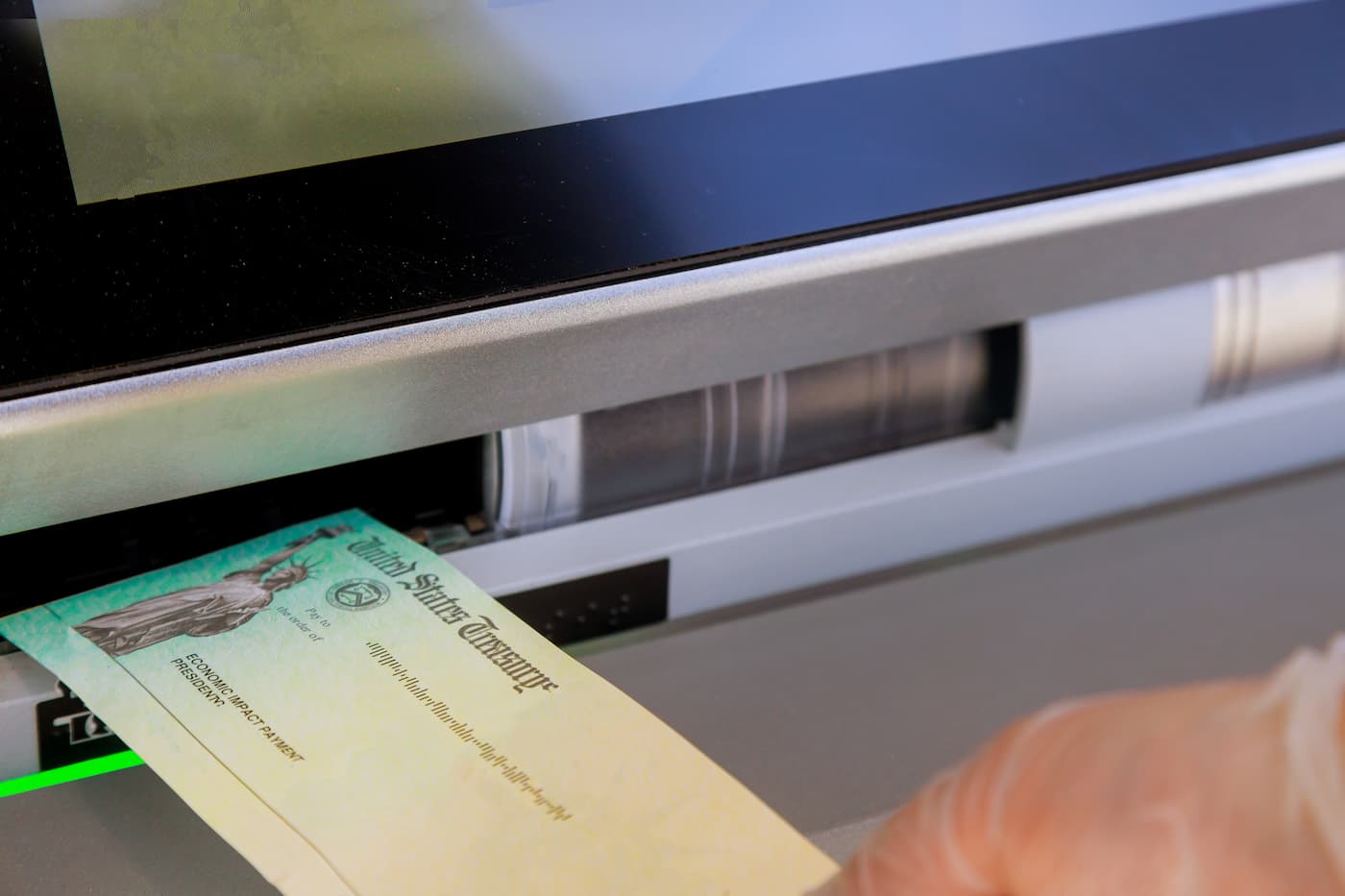
There are numerous methods of transferring money that are more straightforward than faxing a check. Nevertheless, faxing a check is still a viable and lawful option — and there may come a time when it becomes your only feasible option.
If the need ever arises for you to fax a check, it’s crucial to adhere to specific steps to ensure a successful and secure transaction.
Key Considerations Before Faxing a Check
Although many have moved away from faxing, the technology remains operational and in use.
Some businesses (particularly in heavily regulated sectors) and certain government entities still prefer sending and receiving faxed checks. There are individuals who opt for faxing checks when they need to meet a payment deadline to a business and mailing time is insufficient.
Given that a fax transmission is instantaneous, it can prevent you from incurring late payment fees if you find yourself in such a rare circumstance. Furthermore, faxing a check creates a tangible record that demonstrates you submitted the check by a specific date.
Prior to faxing a check, it is advisable to complete several preparatory steps.
- Verify the acceptance of checks by the recipient. Typically, when faxing a check to businesses, it’s because they have specifically requested this method; ensure beforehand that they will accept a faxed check.
- Create a duplicate of the check. Most fax machines necessitate standard paper size for faxing, making the check too small for direct use. Generate a copy of the check on regular paper and keep the original.
- Locate a fax machine or online fax service. Online fax services allow faxing from nearly any computer or mobile phone, while physical fax machines can be accessed at print shops or UPS stores. If you possess a Multi-Function Printer (MFP) at home, it may support faxing.
- Prepare a fax cover sheet. Faxes require cover sheets to indicate the content. Specify the check amount and purpose, like “Payment for account 123.”
- Complete the check memo section. This should also mention the purpose of the payment, e.g., “Payment for account 123,” and should be filled out on the check itself.
- Have the recipient’s contact details on hand. Apart from the fax number, ensure you can follow up with the recipient via phone or email promptly after sending the fax.
Exercise caution regarding potential security risks associated with online faxing and take preventive measures. While most cloud-based fax services are highly secure, it’s wise to verify the reputation and security protocols of your chosen service.
For heightened security, opt for services with a proven track record and those compliant with industry standards such as HIPAA. While you might not be transmitting medical data alongside your check, adherence to regulatory guidelines indicates a sufficient level of security for financial transactions.
What’s the Optimal Approach for Sending a Check via Fax?
You can opt to fax a check conventionally using an analog fax machine or leverage an online fax service.
The prevailing preference nowadays leans towards online fax services due to their convenience and lack of hardware requirements. For instance, online solutions permit you to fax from your iPhone or Android device, which is often more convenient than locating a fax machine or acquiring a fax modem for your computer.
Online fax services tend to offer robust security, especially when tailored for transmitting financial, legal, or healthcare data. They are generally cost-effective, with pricing tiers based on your document volume.
Moreover, online fax services offer the flexibility to transmit and receive faxes from any location without incurring costs for fax machines, paper, or toner. The process mirrors sending a scanned document via email rather than the traditional faxing procedure — just enter a phone number instead of an email address.
If you are mandated to fax via an analog machine by a particular business, your options may be limited in that regard. Ultimately, you might need to resort to the preferred faxing method of the recipient.
Faxing a Check Using an Online Service: Step-by-Step Guide
Sending a fax via a reliable online service is fairly straightforward. An array of user-friendly, cost-effective fax services is readily accessible online, catering to basic fax requirements as well as advanced features like enhanced security, fax records, email notifications, and more.
With an online service, a landline is unnecessary for fax transmissions. The fax provider manages all the traditional infrastructure essential for sending and receiving faxes.
If you rely on a Voice over Internet Protocol (VoIP) phone service, your provider might offer built-in online fax capabilities without requiring additional subscriptions. It’s important to note that fax is distinct from VoIP — not all providers extend fax services, and faxing may require an add-on service.
Access this VoIP Solutions Feature Comparison from TechRepublic Premium
While the exact procedure for faxing through an online service may vary depending on your chosen platform, the following general steps typically apply.
Step 1: Prepare your documents in the correct format
Unlike traditional fax machines that operate akin to copiers or printers requiring physical document feed, online fax services mandate scanning or photographing your documents with a phone.
Each online fax service specifies its supported document formats. Some platforms accommodate a wide selection of file types and sizes, while others have restrictions. When unsure, opt for PDF.
If a fax cover sheet is mandatory, ensure its inclusion. This step is brief. You can utilize a fax cover sheet template.
Step 2: Input the fax number and initiate the send process
This typically occurs on the subsequent screen, where you enter the recipient’s fax number using a keypad, similar to making a phone call.
Make
Make sure to include any add-ons or international codes if you’re faxing a document outside the United States.
Hit the send button once you’ve double-checked all the essential details. Your payment is en route.
Confirming the Receipt of Your Check via Fax
Upon sending your fax, most fax services will automatically display a confirmation page. However, in some cases, you may need to request this feature depending on the service’s settings or your online fax service configuration.
Regardless, it’s imperative to receive this confirmation and subsequently reach out to the recipient to ensure not only the successful delivery of your fax but also the legibility of the account and routing numbers on the check.
Sending a Check via Traditional Fax
You can still transmit a check using a traditional fax machine, as some entities still require this method. The process closely resembles sending a fax online, with a few notable adjustments.
Locating a Fax Machine
If you lack a fax machine at your residence or workplace, you can often find one in co-working spaces, office supply stores, or public libraries. Public fax machines are typically available at UPS, FedEx, and other print & ship service outlets. If you need facilities for photocopying your check, this could also be a viable option.
Transmitting sensitive information, such as a check, over a public network poses certain risks. If you feel uneasy about utilizing a co-space fax machine, for instance, opting for UPS may be preferable given the company’s substantial investment in network security.
Document Placement in the Fax Machine Feeder
Once you locate a fax machine, position your documents — which include your cover sheet, check photocopy, and any other necessary items — faced upwards in the document feeder situated on the machine’s top.
The equipment typically features an indicator depicting the correct orientation, but if uncertain, seek guidance from the machine’s owner or refer to the manual; otherwise, you might inadvertently transmit a blank fax.
Entering the Fax Number and Sending the Fax
Fax machines are equipped with number pads similar to traditional landline phones, allowing you to input the recipient’s number. Remember to include any extensions or country codes as required.
Upon ensuring all details are accurate, press the send button. Most machines sport a large green button labeled “Send” or “Start” for this purpose.
Receiving Confirmation or Checking the Fax Log
After your fax transmission, many machines will automatically print a confirmation page. In the absence of this feature, refer to the fax log on the machine. The machine retains a log of all sent and received faxes, and you can usually request a printed copy for your records.
It’s crucial to follow up with the recipient to verify receipt and legibility of your fax. Moreover, informing the recipient in advance about the incoming fax can help ensure their prompt retrieval and avoid unauthorized access to the transmitted document.
About Author