As documented in the 2023 Specops Weak Password Report, a study of over 800 million compromised passwords showed that the most frequently breached passwords were those with eight characters or fewer. The predominant character combination targeted by hackers was all-lowercase passwords, which accounted for 18.82% of passwords compromised in cyber attacks. Among the top breached passwords were ‘password,’ ‘admin,’ ‘welcome,’ and ‘p@ssw0rd.’
Instances where passwords did not meet the recommended length and complexity standards outlined in cybersecurity regulations like the National Institute of Standards and Technology and the Payment Card Industry constituted 83% of compromised passwords.
Password management tools are crafted to eradicate weak passwords, significantly raising the difficulty for hackers to breach credentials. Explore the following five justifications for employing a password manager.
5 compelling reasons for integrating a password manager
1. Your passwords lack complexity
This stands as the primary concern. If your passwords are simple and easily memorable (like password, password123, happyhappyjoyjoy, etc.), they become vulnerable. Simple passwords are swiftly cracked with appropriate tools and sufficient processing power. To mitigate risks, opt for passwords that are challenging, bordering on unmemorable.
A general rule of thumb states that if a password is easy to remember, it’s likely easy to crack. The more arduous your password recall is, the greater its security. Secure these intricate passwords in a digital repository – that’s where a password manager proves invaluable.
2. Password managers incorporate random password generators
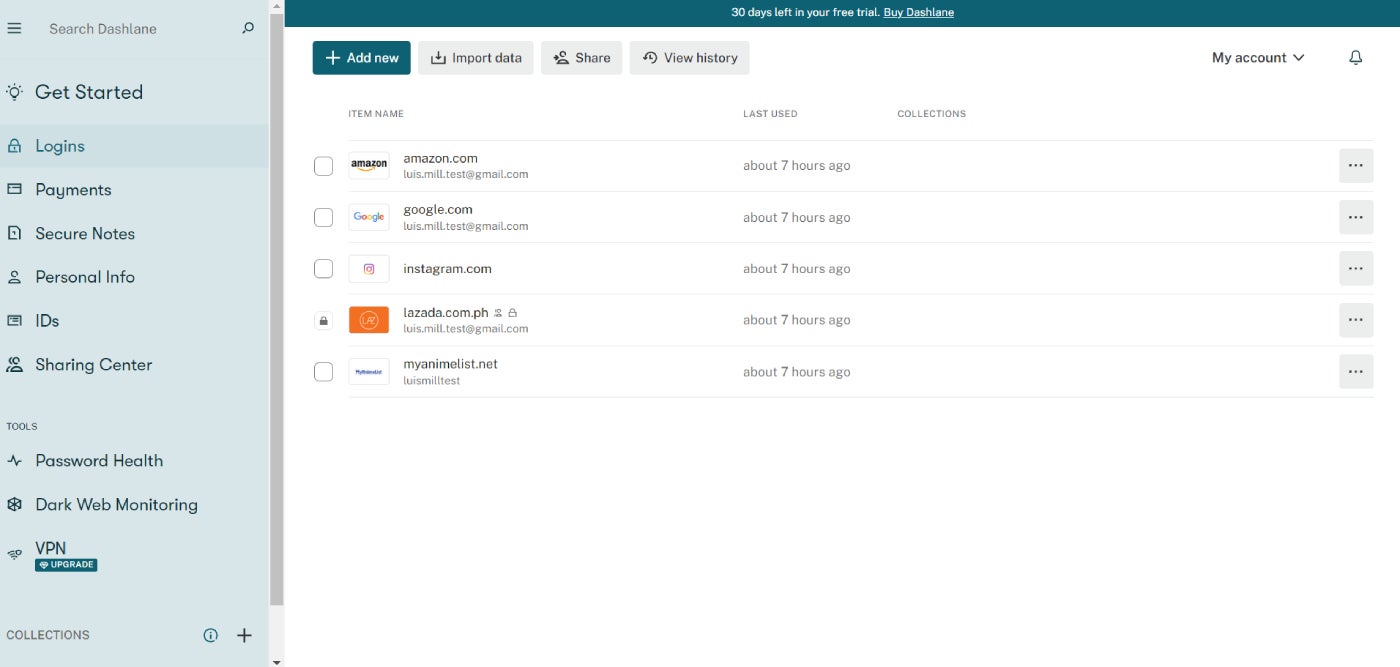
When contemplating intricate passwords, avoid formulating them manually to evade patterns. Instead, rely on a password manager encompassing a random password generator for creating intricate passwords. Certain password managers, such as Bitwarden, enable customization of password complexity levels. Leverage these utilities to craft either 20-character random passwords or incomprehensible, random phrases, bolstering your password robustness.
3. Remembering a Single Password
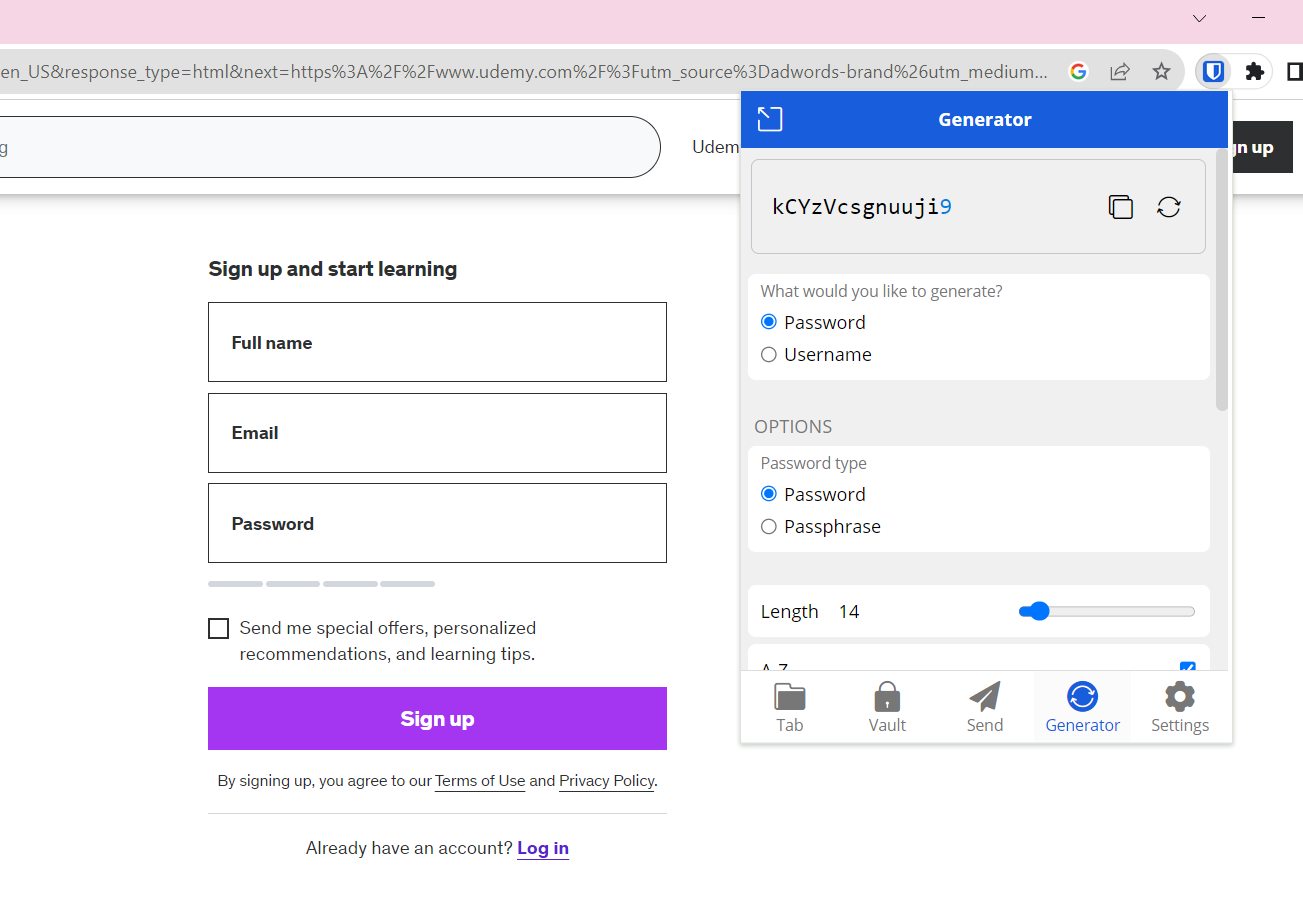
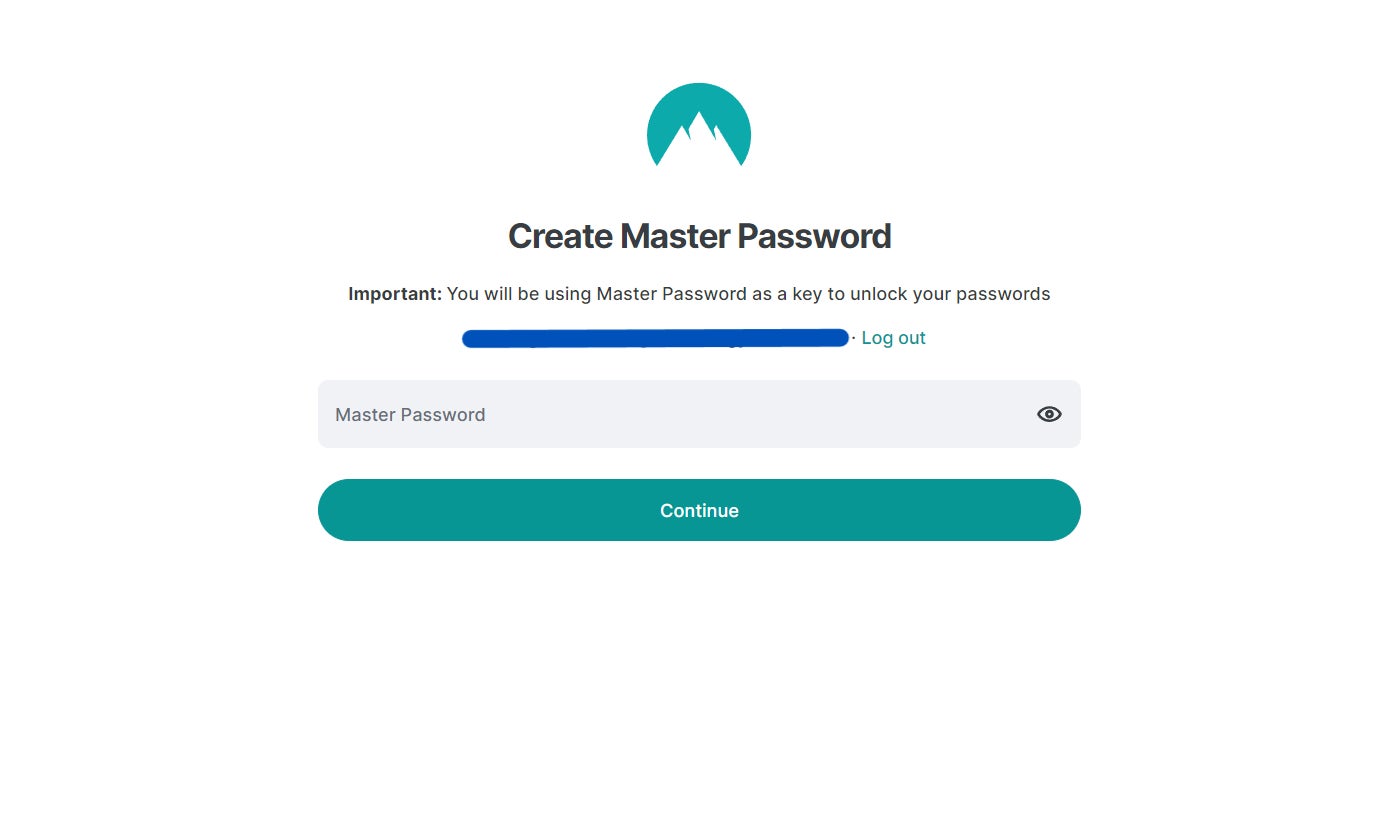
By utilizing a password manager, you only have to memorize one password – the one required to access your stored passwords. This means you no longer need to stress about recalling all the new and extremely intricate passwords that the manager creates. Access the management tool, input your vault password, and find the necessary password. The only precaution is to ensure that your vault password is not simplistic. It doesn’t need to be overly complicated, just not easily guessed.
4. The Odds are Stacked Against You
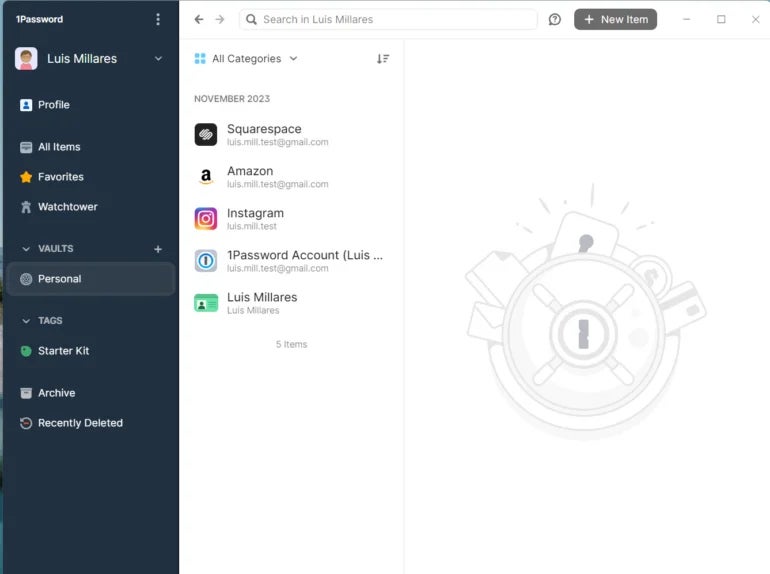
Consider how many accounts you manage that require a password. Dozens? Hundreds? The more accounts you have, the greater the chance that the odds are not in your favor. Consequently, you might be inclined to use the same password everywhere, which is a significant mistake. It’s imperative to use distinct passwords for each account. When dealing with numerous passwords, how can you possibly keep track of them all? You can’t (especially if those passwords are intricate). This is another compelling rationale for employing a password manager.
5. Accessible Passwords Through Device Syncing
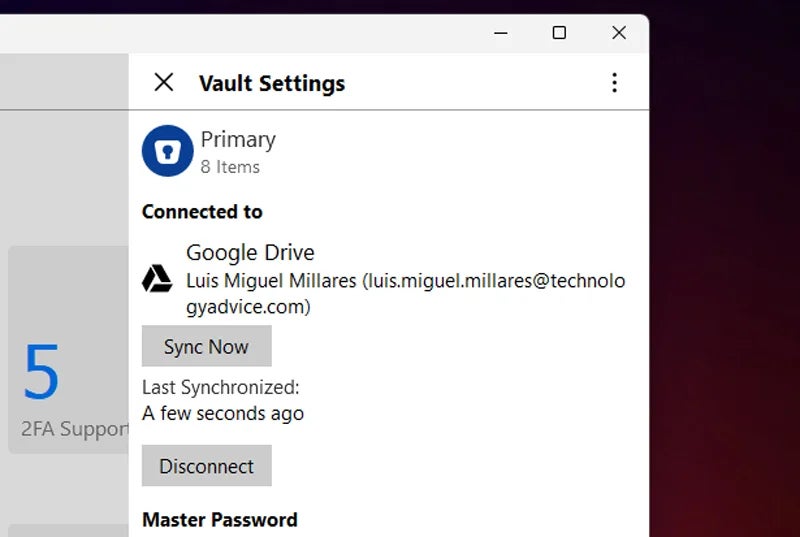
Certain password managers offer the ability to synchronize your password repository across all your devices. This functionality enables you to access your passwords on your desktop, laptop, and mobile gadgets. Consequently, you always have your passwords readily available. If you decide to employ this feature, ensure that your password repository is safeguarded with a robust password. The last thing you want is for a malicious actor to intercept your repository and circumvent its security by employing forceful methods.
The Benefits: Making Intelligent Choices
Indeed, employing a password organizer introduces an additional stage or two in the login procedure. Nevertheless, when your information and protection are in jeopardy, these additional stages hold substantial value. Each day that you persist with the use of basic passwords, you expose yourself to the risk of data robbery. It is an astute decision to utilize a password organizer … before it is too late.
If you are interested in delving deeper into the realm of password organizers, I strongly advocate perusing our Overview of Password Managers video resource on the official TechRepublic YouTube platform.
In this video, we explore the mechanics of password organizers, their target audience, and the tangible advantages they extend to both enterprises and individuals.
Selecting a password manager for your enterprise
Password organizers generate robust, random passwords that differ for each website or service. In contrast to small eight-character passwords that are vulnerable to brute force attacks in no time, these passwords are unpredictable by any current technology. Nonetheless, recent breaches involving password organizers have highlighted the fallibility of the system. Here are some guidelines to assist in choosing the preferred service providers:
Respected Provider
Refrain from selecting a fledgling enterprise situated in regions where oversight of online activities may be lacking. Seek providers who are acknowledged in reports by esteemed analysts such as Gartner, IDC, and other renowned analyst institutions.
Cloud vs. On-Premises
Platforms that retain passwords in the cloud are more susceptible to attacks. Opt for platforms that retain passwords locally on your device.
Security Protocols
Certain password managers offer enhanced security measures compared to others. Individuals using device-centric password managers should ensure that automatic locking occurs after a brief period of inactivity. Additionally, opt for tools that mandate multifactor authentication, such as the requirement to receive a verification text on your phone, to unlock the password manager. Otherwise, hackers could capitalize on a keylogger to compromise the system easily. Demand encryption of saved passwords, logon credentials, URLs, and other sensitive information from a potential provider.
Patching Moderation
Similar to any software or system, password managers contain flaws, and vulnerabilities are occasionally unearthed. Attackers can exploit these flaws and vulnerabilities to gain access, even when the system is in a locked state. Certain providers issue patches and delegate the installation responsibility to the organization. Others automatically deploy patches to ensure perpetual updates. Research the patch maintenance strategies of potential providers to identify those who display a more responsible approach to managing the patches for password managers. Furthermore, recognize that password managers integrate browser extensions and interface with other systems. Verify whether your chosen provider also allocates attention to patching these elements.
Financial Aspect
Various password managers provide distinct price points. However, typically, low-cost products lack many of the enterprise and security features necessary for numerous organizations. Prices usually range from $2 to $5 per user per month. Larger enterprises can leverage additional discounts for bulk purchases.
Recommended password organizers
NordPass

NordPass proves to be the ideal solution for users seeking a comprehensive password management tool. It boasts robust security, an intuitive desktop and mobile application, and user-friendly pricing. For a detailed analysis, refer to our complete NordPass evaluation here.
Dashlane

Dashlane may prove more suitable for individuals with heightened security demands. It arrives with dark web scanning, a secure virtual private network, and synchronization between devices. Explore our complete analysis of Dashlane here.
LogMeOnce

LogMeOnce might be the optimal choice for enterprises that operate across diverse platforms, device categories, and systems due to its extensive cross-platform support. It offers significant customization options, but there are reports of intricate setup procedures by some users.
About Author